

Manuals of product imageClass MF4880dw

Editorial note
The Canon imageClass MF4880dw stands out for its exceptional print quality, delivering sharp and professional documents thanks to its advanced technology. Its all-in-one design, which includes printing, scanning, and copying, makes it an ideal choice for optimizing space and efficiency in a office environment. Wireless connectivity also allows for flexible use, making it easy to print from various devices, which is a significant advantage for modern users. However, some drawbacks are worth noting. The printer's bulkiness can be an issue in tight workspaces, and its initial cost is higher than that of some inkjet printers, which may not suit all budgets. Additionally, setup and installation can be complex for less experienced users, requiring some learning time. Despite these negatives, the overall user experience is positive, with ease of use facilitated by a quick start guide. The robustness and reliability of the Canon brand are also assets, ensuring intensive use without compromising performance. However, it is important to consider the high cost of toner cartridges, which can increase the total cost of ownership in the long run. In summary, the Canon imageClass MF4880dw offers excellent performance and a valuable all-in-one functionality, but its bulkiness, initial cost, and the complexity of setup should be considered before purchase.Score details
User experience
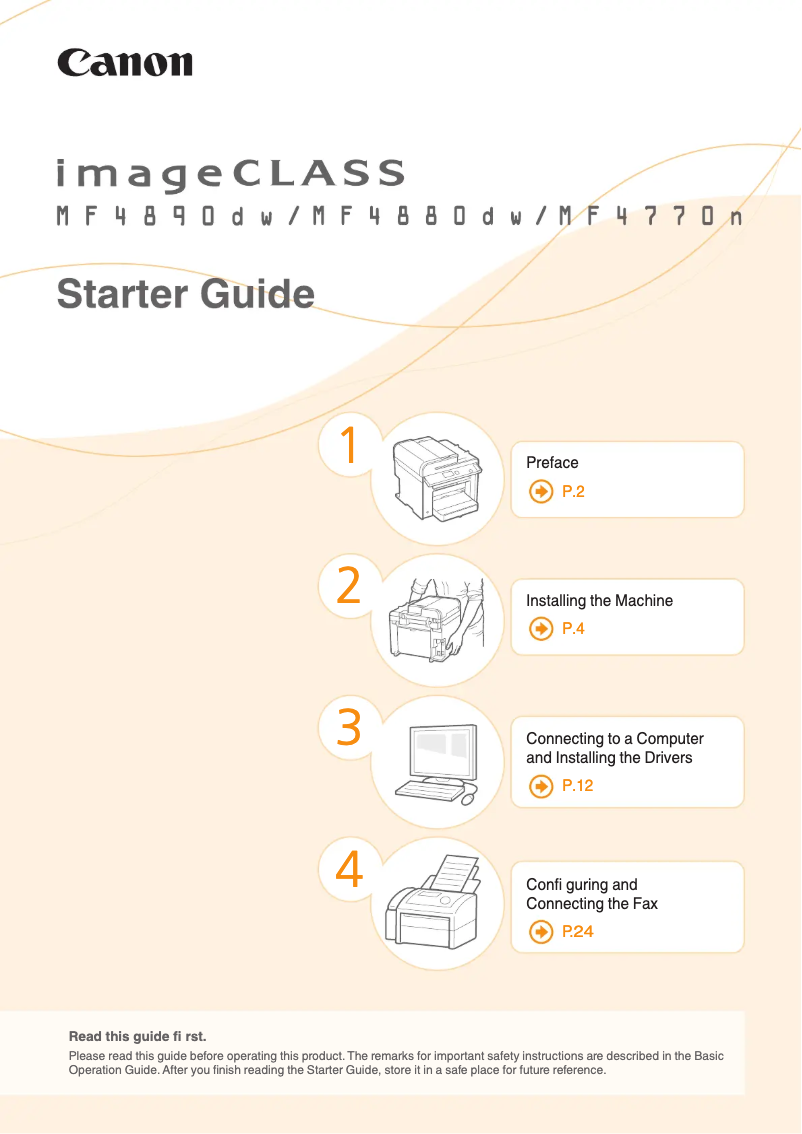
The user experience is positive due to the ease of use, with a quick start guide and an included manual, which simplifies getting started even for novices.
Performance
The printing performance is excellent, offering professional-quality printing with sharp documents, which is ideal for professional use.
Features
The all-in-one features, including printing, scanning, and copying, add great value, allowing for optimized space and efficiency in the office.
Design
The design is functional, but the printer can be relatively bulky, which may pose a problem in tight workspaces.
Value for money
Although the initial cost is higher than for some inkjet printers, the durability and quality justify this long-term investment.
Usability
The setup and installation can be complex for inexperienced users, requiring some learning time.
Robustness
The robustness and reliability of the Canon brand ensure that the printer is designed to withstand heavy use while maintaining high performance.
Support
The support is satisfactory with available documentation, but the high cost of toner cartridges can increase the total cost of ownership in the long run.
Advantages
Professional quality printing
All-in-one functions: printing, scanning, copying
Wireless connectivity for all devices
Easy to use, even for beginners
Sturdy and reliable for heavy use
Disadvantages
Bulky for small workspaces.
Higher initial cost than some printers.
Complex installation for novice users.
Potentially disturbing operating noise.
Expensive toner cartridges to replace.
Technical Specifications imageClass MF4880dw
General Information
-
ModelIMAGECLASS MF4880DW
-
Brand
-
Category
-
Type
-
SKU83369
-
MPN83369
Frequently Asked Questions
What is the ideal method for removing jammed paper from the printer?
Why does my printer not recognize original cartridges?
What are the possible reasons for poor print quality?
What is the difference between a laser printer and an inkjet printer?
Why does my inkjet printer leave black streaks on prints?
What does the acronym DPI mean?
Is the manual for the Canon imageClass MF4880dw available in French?
Similar products


More product categories from brand Canon
Computers and accessories Canon
Camera and photography Canon
Other Canon
Audio Canon
Software Canon
Interior Canon
More product types from brand Canon





Presentation of product imageClass MF4880dw specifications from brand Canon
General Information
The Canon imageClass MF4880dw model, from the renowned brand Canon, stands out for its commitment to quality and innovation in the office equipment sector. Designed to deliver high-level performance, this all-in-one device meets the varied needs of users, whether for printing, scanning, or copying documents.
Advantages
High-quality printing: Thanks to its advanced technology, the printer ensures sharp and professional prints, ideal for commercial use.
All-in-one features: This model combines several essential functions, saving space and optimizing efficiency in a work environment.
Wireless connectivity: The ability to connect wirelessly allows users to easily print from various devices, such as smartphones and tablets, providing appreciated flexibility.
Ease of use: Accompanied by a quick start guide and a user manual, the setup of the printer is simplified, even for those unfamiliar with this type of technology.
Durability and reliability: Canon's reputation for robustness ensures that the MF4880dw is designed for intensive use while maintaining consistent performance.
Disadvantages
Bulkiness: Its size can be a drawback in tight workspaces, requiring careful planning of the layout.
Initial cost: The purchase price may be higher than that of some inkjet printers, which can be an issue for certain budgets.
Installation complexity: For inexperienced users, setup and installation can be somewhat tricky and may require a learning curve.
Noise level: The operating noise may be considered high, which could disrupt a quiet office environment.
Cost of cartridges: Toner cartridges, while efficient, can be expensive to replace, increasing the total cost of ownership in the long run.


