

Manuals of product DT230
Editorial note
The Godex DT230 is a printer that stands out for its high print quality, delivering precise and professional results, regardless of the type of document. Its compact and ergonomic design facilitates integration into various work environments, optimizing the available space. The reputation of the Godex brand, known for its reliability and innovation, ensures a long lifespan and consistent performance of the device. Additionally, the availability of useful documents such as the user manual and the brochure allows for quick and effective handling. However, there are some drawbacks to consider. The purchase price of the Godex DT230 is relatively high compared to other models on the market, and the cost of consumables can quickly add up, increasing operating expenses. Furthermore, the size of the printer can be cumbersome in small workspaces, and its printing speed may be lower than that of some alternatives, which could slow down production tasks. Finally, compatibility with certain operating systems or software could pose integration issues in some work configurations. Overall, the Godex DT230 is a high-performing and versatile printer, well-suited for professional environments, despite some limitations in terms of cost and speed.Score details
User experience
The user experience is generally positive due to a compact and ergonomic design, facilitating integration into various work environments.
Performance
The printing performance is high, but the speed may be lower than that of other similar models, which can slow down document production.
Value for money
The purchase price is relatively high compared to other printers, and the cost of consumables can quickly add up.
Design
The design is modern and compact, well-suited for workspaces, but it can be cumbersome in small environments.
Features
The advanced features of the printer allow for versatile use, suitable for different types of media.
Documentation
The availability of useful documents, such as the user manual and brochure, facilitates handling and optimal use of the device.
Support
The reputation of the Godex brand for reliability and innovation ensures a good level of support, although compatibility with certain operating systems may pose issues.
Advantages
High and professional print quality
Compact design, ideal for any space
Reliability and innovation of the Godex brand
Manual and brochures provided for assistance
Versatile, suitable for various media
Disadvantages
High purchase price compared to competitors
Bulky for small workspaces
Lower printing speed than other models
High cost of consumables in the long term
Limited compatibility with certain operating systems
Technical Specifications DT230
General Information
-
ModelDT230
-
Brand
-
Category
-
Type
-
SKU1569585
-
MPN1569585
Frequently Asked Questions
What is the best method to remove paper jammed in the printer?
Why does my printer not recognize original cartridges?
What are the possible reasons for poor print quality?
What is the difference between a laser printer and an inkjet printer?
Why is my inkjet printer producing black lines?
What does the acronym DPI mean?
Is the manual for the Godex DT230 available in French?
Similar products


More product categories from brand Godex


Presentation of product DT230 specifications from brand Godex
General Information
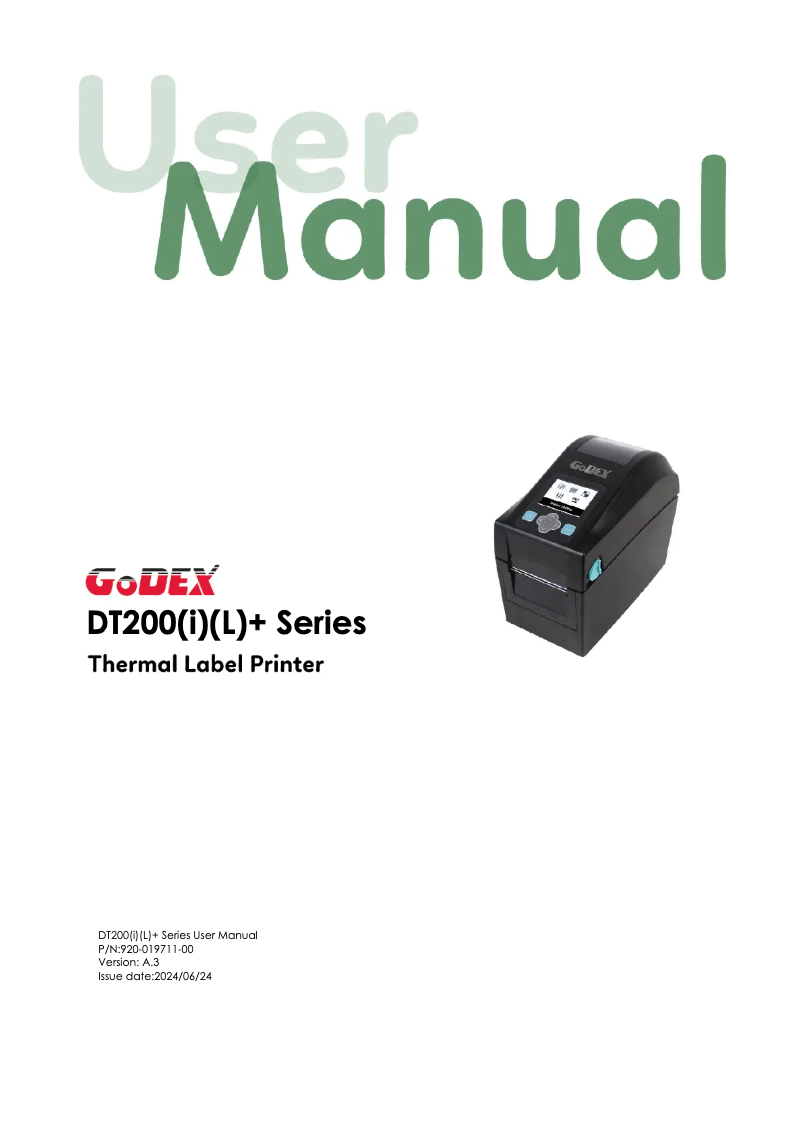
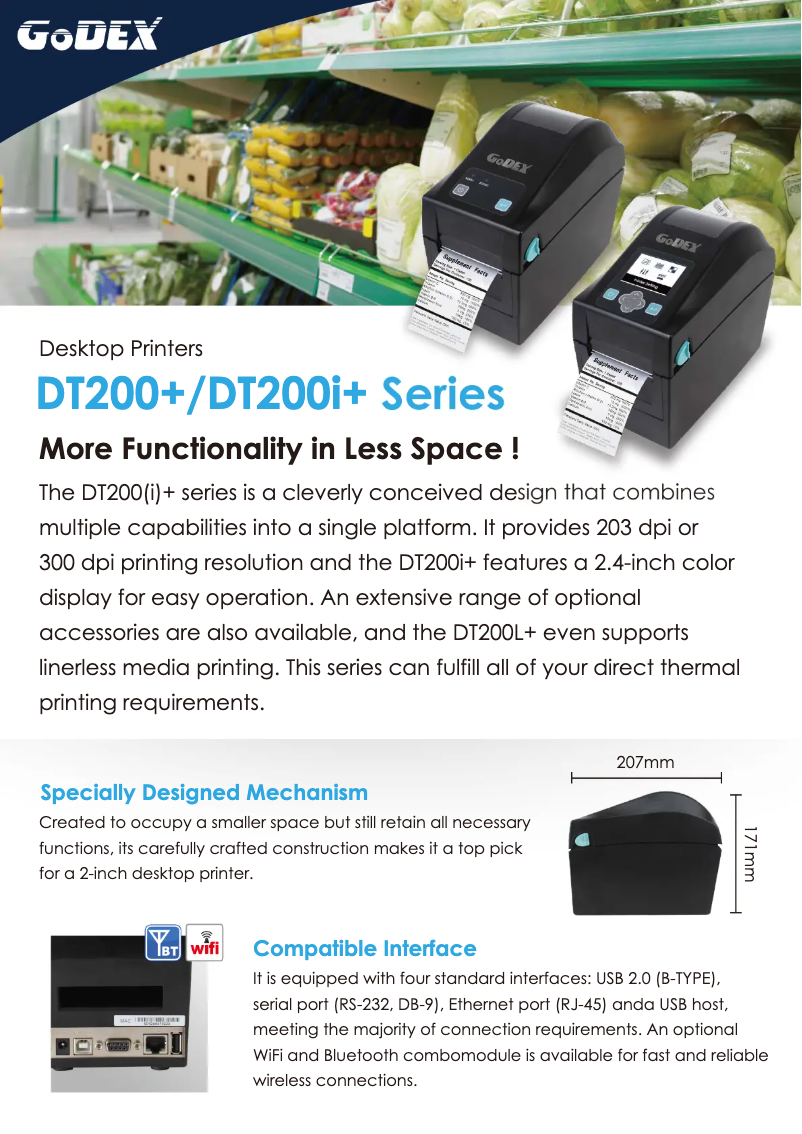
The Godex DT230 printer, manufactured by the renowned brand Godex, stands out for its commitment to quality and innovation in the printing device sector. This model, known as the DT230, is designed to deliver remarkable performance while enhancing the user experience through intuitive and efficient use.
Advantages
The Godex DT230 is characterized by a high print quality, ensuring precise and professional results for all your documents. Its compact and ergonomic design allows for easy integration into various work environments, thus optimizing the available space. The reputation of the Godex brand for its reliability and innovation helps ensure a prolonged lifespan and consistent performance of the printer. Additionally, the DT230 model comes with practical documents, such as the user manual and a broschure, making it easier to handle and use the device. Thanks to its advanced features, this printer proves suitable for different types of media, offering appreciable versatility.
Disadvantages
However, it is worth noting that the purchase price of the Godex DT230 may be relatively high compared to other similar printer models on the market. Its size may also prove cumbersome for small workspaces, which could pose ergonomic issues. Furthermore, the print speed may be lower than that of other printers in the same category, which could slow down document production tasks. The cost of consumables, such as ink cartridges or label rolls, can also add up quickly, increasing operating expenses. Finally, the compatibility with certain operating systems or software may be limited, which could pose integration challenges in some professional environments.


