

Manual of product LaserJet 2430tn
Editorial note
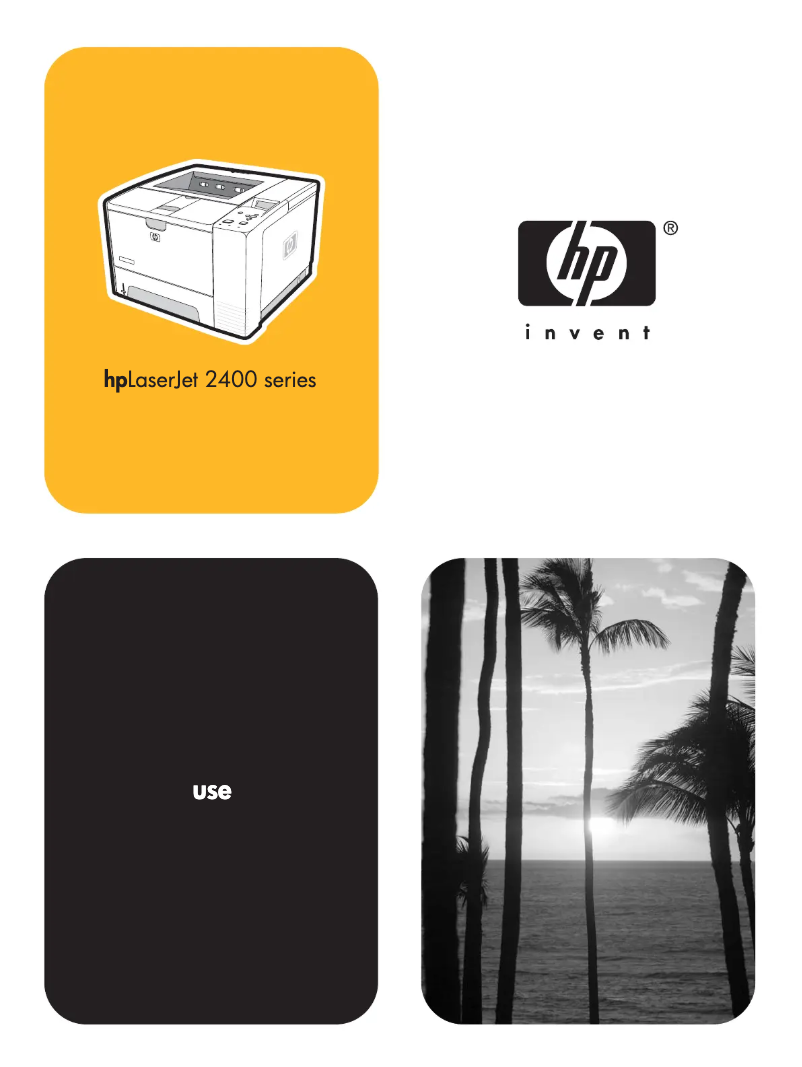
The HP LaserJet 2430tn printer stands out for its fast printing speed of 33 pages per minute and a maximum resolution of 1200 x 1200 DPI, ensuring sharp and precise prints, ideal for professional documents. Its 850-sheet input capacity allows for handling a large volume of documents without interruption, which is particularly convenient in busy work environments. Additionally, its paper management technology offers great flexibility, accepting various types of media and formats, making it versatile for different printing needs. However, the printer has some drawbacks. It is not compatible with Mac operating systems, which limits its use for Apple product users. Its weight of 22 kg may also pose mobility issues in work environments requiring flexibility and movement. Although it offers good print quality, the lack of color printing features may reduce its appeal for certain tasks. Furthermore, its internal memory of 64 MB may prove insufficient for heavy printing jobs. Regarding energy performance, power consumption is optimized, with a mode that reduces consumption to only 8.5 W, contributing to significant energy savings. However, the noise level of 6.8 B(A) can be disruptive in shared or quiet workspaces, impacting the user experience. Overall, the HP LaserJet 2430tn is a solid option for offices requiring fast and quality prints, although its limitations in compatibility and mobility should be taken into account.Score details
User experience
The user experience is generally positive due to the fast printing speed of 33 pages per minute and a maximum print quality of 1200 x 1200 DPI, although the lack of compatibility with Mac systems limits its use.
Performance
The printer's performance is excellent for demanding work environments, thanks to its 850-sheet paper capacity and fast printing speed. However, the 64 MB internal memory may be insufficient for heavy printing tasks.
Battery life
Energy consumption is optimized, with a power-saving mode reducing consumption to only 8.5 W, contributing to significant energy savings.
Design
Weighing 22 kg may make the printer difficult to move, which can be problematic in work environments requiring flexibility and mobility.
Value for money
Although the printer offers good print quality and great versatility due to its paper management technology, the lack of color printing features may limit its value for some users.
Usability
The printer is designed to be easy to use, but the noise it emits, with a sound level of 6.8 B(A), can be disruptive in shared or quiet workspaces.
Advantages
Fast printing: 33 pages per minute.
Resolution 1200 x 1200 DPI for sharp documents.
Capacity of 850 sheets for heavy use.
Accepts various types of media and formats.
Eco mode: reduced consumption to 8.5 W.
Disadvantages
Incompatible with Mac operating systems."
Weight of 22 kg, difficult to move."
No color printing available."
Insufficient internal memory of 64 MB."
Annoying noise level of 6.8 B(A).
Technical Specifications LaserJet 2430tn
General Information
-
ModelLASERJET 2430TN
-
Brand
-
Category
-
Type
-
SKU87768
-
MPN87768
Representation / realization
-
Internal memory64 MB
-
Processor modelMIPS 20KC
-
Processor frequency400 MHz
-
Maximum internal memory320 MB
-
Integrated into the processorYes
Weight and dimensions
-
Weight22000 g
-
Dimensions (LxWxH)425 x 400 x 400 mm
Other features
-
Weight of supports per paper path60 - 200 g/m2; 60 - 120 g/m2
-
Print quality (black, premium quality)1200 x 1200 DPI
-
Package dimensions (LxWxH)592 x 495 x 575 mm
-
Fonts80
-
Recommended operating temperature15 - 32.5 °C
-
Sound power emitted6.8 B(A)
-
Printer managementHP Web Jetadmin, HP LaserJet Utility, HP Embedded Web Server, E-Toolbox
-
Standard input paper trays3
-
Left print margin (A4)2 mm
-
Maximum support size (custom)76 x 127 - 216 x 356 mm
-
Print quality (black, draft quality)600 DPI
-
Left print margin (A4)2 mm
-
Print margin, top (A4)3 mm
-
Compatible operating systemsMicrosoft Windows 98, Me, NT 4.0, 2000, XP, Server 2003; Apple Mac OS 9.x +, OS X v.10.1 +
-
Left print margin (A4)2 mm
-
Standard input paper trays3
-
Print speed (black, high quality, A4)33 ppm
-
Standard average formatsA4, A5, B5 (JIS), letter, legal
-
I/O Ports1 x IEEE 1284-B parallel
-
Network features1 x USB 2.0
-
Mac Compatibility1 x EIO
-
Wireless technologyEthernet, Fast Ethernet
-
Power requirementsYes
-
Paper managementIEEE 802.11b
-
Double-sided printing options100 - 127V / 220 - 240V, 50/60 Hz (+/- 2 Hz)
-
Minimum system requirementsHP LaserJet 2430 series printers: Built-in automatic duplex unit (HP LaserJet 2430dtn only), 850 sheets standard input capacity (1 x 100-sheet/ 10 envelope multipurpose tray, 1 x 250-sheet tray, 1 x 500-sheet tray), paper input level indicators, straight-
-
Memory increaseManual (driver support provided)
-
Driver update descriptionsMicrosoft Windows 98: Pentium 90, 16 MB RAM, CD-ROM drive; Windows Me: Pentium 150, 32 MB RAM, CD-ROM drive; Windows NT 4.0: Pentium 90, 32 MB RAM, CD-ROM drive; Windows 2000: 133 MHz processor, 64 MB RAM, CD-ROM drive; Windows XP: 233 MHz processor, 6
-
Memory technology0.32 GB
-
Optional paper management/inputMost recent printer drivers and software for all supported operating systems available at http://www.hp.com/support/lj2400; OS/2 drivers are available from IBM and are packaged with OS/2
-
Paper management in standard/inputMemory Enhancement technology (MEt), Double Data Rate memory technology
-
Paper management in standard/outputNone
-
Type upgrade100-sheet multipurpose Tray 1, 250-sheet input Tray 2, 500-sheet input Tray 3
-
Service and support250-sheet top output bin (100-sheet rear output bin)
-
FeaturesPrinter firmware and networking firmware can be remotely upgraded
-
HP Web sites, HP Customer Support Center, HP Care Packs
-
Add fonts, forms, and third-party solutions via CompactFlash support.
-
Additional 500-sheet input tray, automatic two-sided printing* enable greater flexibility
Paper management
-
Accepted types of mediaPaper (plain, preprinted, letterhead, prepunched, bond, recycled, color, rough)
-
Support formats, tray 1transparencies
-
labels
-
envelopes
-
cardstock
-
A4
-
A5
-
B5 (JIS)
-
envelopes
-
letter
-
legal
-
executive
-
76 x 127 - 216 x 356 mm
Input and output capacity
-
Maximum input capacity850 sheets
-
Maximum output capacity250 sheets
-
Maximum output capacity250 sheets
-
Maximum input capacity850 sheets
Environmental conditions
-
Temperature out of operation-20 - 40 °C
-
Operating temperature15 - 32.5 °C
-
Operating relative humidity (H-H)10 - 80 %
-
Relative humidity rate (storage)10 - 90 %
Features
-
Service cycle (Maximum)100,000 pages per month
Print speed
-
Print speed (black, normal quality, A4/US Letter)33 ppm
-
Print speed (black, normal quality, A4/US Letter)33 ppm
-
Copy time for the first page (Black, normal)10 s
-
Economic printingYes
-
ColorNo
-
Maximum resolution1200 x 1200 DPI
Packaging information
-
Package weight24000 g
Network
-
Ready-to-use networkYes
Power
-
Average power consumption in Print mode625 W
-
Energy consumption (eco mode)8.5 W
-
Electricity consumption (stop)0.4 W
-
Energy consumption (standby mode)11 W
Frequently Asked Questions
What is the weight of the HP LaserJet 2430tn printer?
What is the recommended method for removing paper jammed in the printer?
Why does my printer not recognize original cartridges?
What could be the reasons for poor print quality?
How does a laser printer differ from an inkjet printer?
Why does my inkjet printer leave black streaks on prints?
What does the acronym DPI mean?
Is the manual for the HP LaserJet 2430tn available in French?
Similar products


More product categories from brand HP
Computers and accessories HP
Other HP
Phones HP
Audio HP
Interior HP
Software HP
More product types from brand HP


Presentation of product LaserJet 2430tn specifications from brand HP
General Information
The model HP LaserJet 2430tn, from the renowned brand HP, stands out for its commitment to quality and innovation in the field of printers. This model, referenced as LaserJet 2430tn | Q5961A#401, promises high performance and an enhanced user experience.
Representation / Realization
Equipped with an internal memory of 64 MB, the HP LaserJet 2430tn ensures smooth management of data and applications. Its MIPS 20KC processor operates at a frequency of 400 MHz, guaranteeing rapid execution of instructions. The maximum memory capacity can reach 320 MB, allowing for the storage of a significant volume of information. Additionally, the "Integrated in the processor" feature ensures optimized performance.
Weight and Dimensions
With a weight of 22 kg, the HP LaserJet 2430tn printer is designed for easy handling, although its weight may pose a challenge in certain situations. Its dimensions of 425 x 400 x 400 mm allow it to fit easily into various workspaces.
Other Features
This printer supports paper weights ranging from 60 to 200 g/m², thus offering compatibility with different types of media. Its black print quality is 1200 x 1200 DPI, ensuring precise results for professional documents. The packaging dimensions, namely 592 x 495 x 575 mm, provide adequate protection during transport.
The operating noise level is 6.8 B(A), which can be a factor to consider in quiet environments. The printer management system includes tools such as HP Web Jetadmin and HP LaserJet Utility, facilitating the management of printing tasks. With a capacity of 3 paper trays, document organization is simplified.
Paper Management
The HP LaserJet 2430tn is compatible with various types of media, including plain paper, labels, and envelopes. Accepted formats include A4, A5, B5 (JIS), and other dimensions ranging from 76 x 127 mm to 216 x 356 mm.
Input and Output Capacity
The total feed capacity is 850 sheets, allowing for efficient management of prints. The maximum output capacity is 250 sheets, ensuring effective performance for daily printing needs.
Environmental Conditions
The HP LaserJet 2430tn operates ideally in an ambient temperature of 15 to 32.5 °C and can withstand non-operating temperatures ranging from -20 to 40 °C. For optimal performance, it operates in a relative humidity of 10 to 80 %.
Print Speed
This printer achieves a print speed of 33 ppm in black and normal quality mode, helping to optimize productivity. The first page copy delay is 10 seconds, making the device efficient for demanding work environments.
Power
In print mode, the average power consumption is 625 W, while in economy mode, it is reduced to 8.5 W. This feature contributes to notable energy savings. In standby mode, the consumption is 11 W, and 0.4 W when turned off.
Limitations
Although the HP LaserJet 2430tn offers quality performance, it has certain limitations. It is not compatible with Mac operating systems, which may restrict its use. Additionally, its weight of 22 kg can make it difficult to move. The lack of color printing options also limits its use for certain specific tasks.


