

Manual of product LaserJet Pro M401a
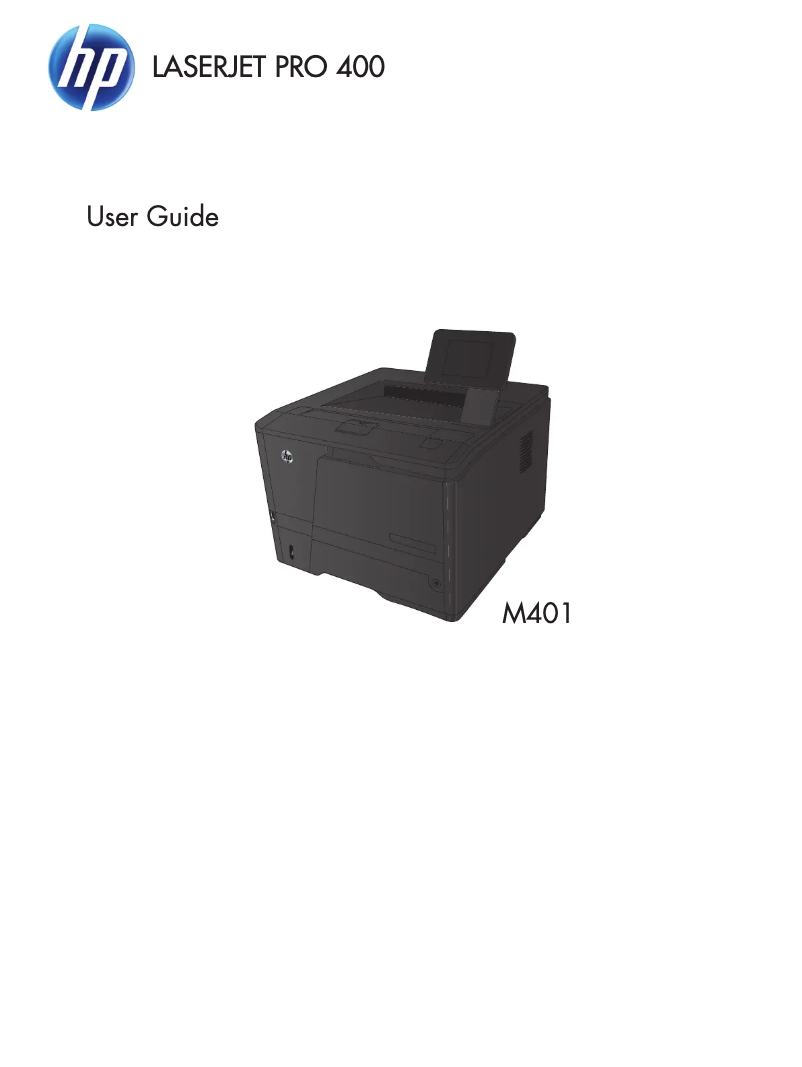
Editorial note
The HP LaserJet Pro M401a printer stands out with its impressive printing speed of 33 pages per minute, making it an excellent choice for work environments requiring frequent printing. Its 300-sheet input capacity allows for handling a large volume of documents without interruption, and its maximum print resolution of 1200 x 1200 DPI ensures results of exceptional clarity. Additionally, its compact design makes it easy to integrate into various workspaces. However, some drawbacks must be considered. The lack of duplex printing can lead to higher paper consumption, which is not ideal for environmentally conscious users. Furthermore, the absence of wireless connectivity and compatibility with Mac operating systems limits usage options. The internal memory of 128 MB may also pose issues when printing complex documents. In terms of value, although the long-term printing cost is generally lower due to laser technology, the lack of certain modern features may diminish the perceived value of the device. The user manual is detailed, but the limited compatibility with certain operating systems can lead to support difficulties. Overall, the HP LaserJet Pro M401a is a robust and reliable printer, ideal for users seeking high performance and optimal print quality, but it may not be suitable for everyone due to its limitations in connectivity and compatibility.Score details
User experience
The user experience is generally good, although the lack of wireless connectivity may frustrate some users.
Performance
The printing speed of 33 pages per minute is impressive, making it an excellent choice for work environments that require frequent printing.
Design
The compact design of the printer makes it easy to integrate into various workspaces.
Value for money
Although the long-term printing cost is generally lower due to laser technology, the lack of duplex printing and wireless connectivity may diminish perceived value.
Features
The features are basic, with limitations such as the absence of Wi-Fi and Mac compatibility, which may be a drawback for some users.
Usability
The 128 MB internal memory may cause issues when printing complex documents, affecting usability.
Robustness
Laser printing technology ensures superior durability and reliability compared to inkjet printers.
Support
The user manual is provided, but limited compatibility with certain operating systems may pose support issues.
Documentation
The 148-page manual offers detailed information but could be simplified for better accessibility.
Advantages
Print speed of 33 pages per minute.
Capacity of 300 sheets for fewer reloads.
High-quality printing at 1200 x 1200 DPI.
Compact design for space saving.
Laser technology for durability and reliability.
Disadvantages
No double-sided printing.
No wireless connectivity.
Limited compatibility with Mac.
128 MB internal memory.
Weight of 10.1 kg difficult to move.
Technical Specifications LaserJet Pro M401a
General Information
-
ModelLASERJET PRO M401A
-
Brand
-
Category
-
Type
-
SKU107847
-
MPN107847
Weight and dimensions
-
Weight10100 g
-
Dimensions (LxWxH)364.6 x 368 x 267.5 mm
Representation / realization
-
Maximum internal memory128 MB
-
Processor frequency800 MHz
-
Maximum internal memory128 MB
Packaging information
-
Package weight13300 g
Input and output capacity
-
Total output capacity150 sheets
-
Total output capacity150 sheets
-
Total power capacity300 sheets
-
Total number of power supply units2
-
Maximum number of feed bins3
-
Multifunctional trayYes
Environmental conditions
-
Operating relative humidity (H-H)10 - 80 %
-
Relative humidity rate (storage)10 - 90 %
Print speed
-
Print speed (black, normal quality, A4/US Letter)33 ppm
-
Printing technologyLaser
-
Double-sided printingNo
-
Maximum resolution1200 x 1200 DPI
-
Double-sided printingNo
-
Copy time for the first page (Black, normal)8 s
Power
-
Average power consumption in Print mode570 W
-
Electricity consumption (stop)0.1 W
-
AC input voltage220 - 240 V
-
AC input frequency50 - 60 Hz
Features
-
Service cycle (Maximum)50000 pages per month
-
Number of print cartridges1
-
Service cycle (recommended)3000 pages per month
-
Languages of the page descriptionPCL 5c, PCL 6, PDF 1.7, PostScript 3
-
Printing colorsBlack
Network
-
WifiNo
-
WifiNo
-
WifiNo
Other features
-
Package dimensions (LxWxH)430 x 330 x 480 mm
-
Standby LEDYes
-
Standby LEDYes
-
Standby LEDYes
Design
-
ScreenLCD
-
Product colorBlack
Paper management
-
Maximum print format216 x 356 mm
-
Type of paper tray supportCard stock, Envelopes, Labels, Plain paper, Recycled paper, Transparencies
-
ISO, Format Series A (A0...A9)A4, A5, A6
-
JIS series B format (B0...B9)B5
-
Support width customization76 - 127 mm
-
Customization of support length216 - 356 mm
-
Weight of paper tray support60 - 163 g/m²
-
Maximum ISO A series paper sizeA4
Connectivity
-
Standard interfacesUSB 2.0
-
Quantity of USB 2.0 Ports1
Minimum system requirements
-
Support for the Windows operating systemWindows 7 Home Premium
-
Support for the Mac operating systemWindows 7 Home Premium x64
-
Support for the Linux operating systemWindows 7 Professional
-
Support for the server operating systemWindows 7 Professional x64
-
Minimal disk spaceWindows 7 Starter
-
Minimum RAMWindows 7 Starter x64
-
Minimal processorWindows 7 Ultimate
-
Windows 7 Ultimate x64
-
Windows Vista Business
-
Windows Vista Business x64
-
Windows Vista Home Basic
-
Windows Vista Home Basic x64
-
Windows Vista Home Premium
-
Windows Vista Home Premium x64
-
Windows Vista Ultimate
-
Windows Vista Ultimate x64
-
Windows XP Home
-
Windows XP Professional
-
Mac OS X 10.5 Leopard
-
Mac OS X 10.6 Snow Leopard
-
Mac OS X 10.7 Lion
-
RedHat EL Linux 5.0
-
Ubuntu 10.04
-
Windows Server 2003
-
Windows Server 2008
-
Windows Server 2008 x64
-
400 Mo
-
512 Mo
-
1GHz
Frequently Asked Questions
What is the weight of the HP LaserJet Pro M401a printer?
What is the recommended method for removing paper jammed in the printer?
Why is my printer rejecting original cartridges?
What are the possible reasons for poor print quality?
What is the difference between a laser printer and an inkjet printer?
Why is my inkjet printer leaving black streaks on prints?
What does the abbreviation DPI mean?
How many cartridges can be installed in the HP LaserJet Pro M401a?
Is the manual for the HP LaserJet Pro M401a available in French?
Similar products


More product categories from brand HP
Computers and accessories HP
Other HP
Phones HP
Audio HP
Interior HP
Software HP
More product types from brand HP


Presentation of product LaserJet Pro M401a specifications from brand HP
General Information
The HP LaserJet Pro M401a printer is a model from the HP brand, known for its innovation and quality in the field of household appliances. The M401a model, identified by the code CF270A, is designed to deliver high performance and an enhanced user experience. This product is identifiable by its EAN code, which includes several unique numbers.
Weight and Dimensions
With a weight of 10.1 kg, the HP LaserJet Pro M401a printer is designed for optimal use while remaining easily manageable. Its dimensions of 364.6 x 368 x 267.5 mm allow for easy integration into various work environments without clutter.
Technical Specifications
This printer is equipped with an internal memory of 128 MB and a processor running at 800 MHz, ensuring quick task execution. The maximum memory capacity is also 128 MB, which is suitable for standard use, although it may pose limitations for more complex documents.
Packaging Information
The total weight of the package for the HP LaserJet Pro M401a printer is 13.3 kg, providing robust protection during transport and delivery.
Input and Output Capacity
This printer has a maximum output capacity of 150 sheets and a total input capacity of 300 sheets, reducing the frequency of reloading. It is equipped with 2 input trays and a multifunction tray, allowing flexibility in the choice of printing media.
Environmental Conditions
The HP LaserJet Pro M401a operates in a relative humidity of 10 - 80 % and is stored in a humidity of 10 - 90 %, ensuring optimal durability in various ambient conditions.
Print Speed
This printer offers a print speed of 33 pages per minute in black (normal quality, A4/US Letter format), ideal for daily use. Its laser printing technology ensures high output quality with a maximum resolution of 1200 x 1200 DPI. However, it does not support duplex printing.
Power
The average power consumption during printing is 570 W, while the consumption in standby mode is only 0.1 W, reflecting a focus on energy efficiency. It operates with an input voltage of 220 - 240 V and a frequency of 50 - 60 Hz.
Features
The maximum duty cycle is 50,000 pages per month, suitable for the needs of heavy users. This model uses a single print cartridge and supports page description languages such as PCL 5c and PostScript 3.
Network
The HP LaserJet Pro M401a does not have out-of-the-box network connectivity, nor Ethernet or Wi-Fi ports, thus limiting connection options.
Other Features
The package dimensions are 430 x 330 x 480 mm. This model is not compatible with Mac systems, but it includes a power LED indicator and a sleep mode indicator, useful for energy management.
Design
Equipped with an LCD screen, the printer offers a clear user interface. Its black finish gives it a modern and professional aesthetic.
Paper Management
It supports various paper sizes, including A4 and B5, with a supported weight ranging from 60 to 163 g/m², allowing flexibility in the choice of printing media.
Connectivity
The product features a standard interface and a USB 2.0 port for easy connection with other devices.
Minimum System Requirements
Compatible with several Windows operating systems, as well as certain versions of Mac and Linux, this printer requires a disk space of 400 MB and a minimum of 512 MB of RAM for optimal operation.


