
Manual of product Photo Printer 300
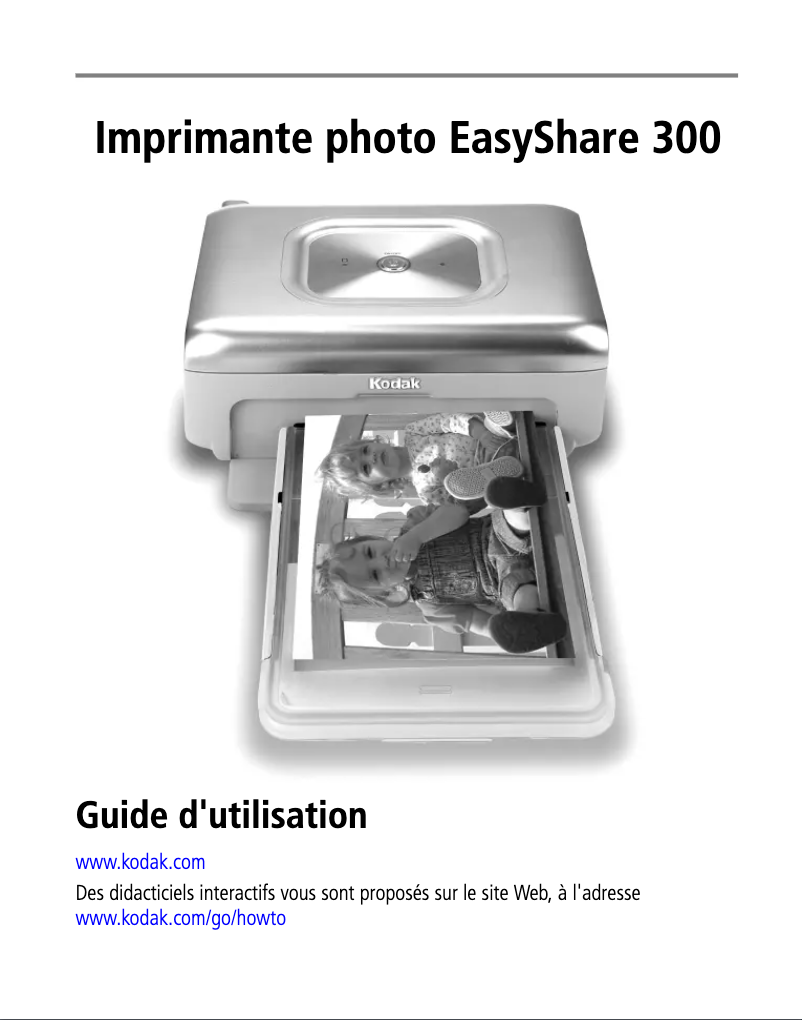
Editorial note
The Kodak Photo Printer 300 stands out for its ability to quickly print photos of remarkable quality, making it an excellent choice for capturing your memories during events or trips. Its compact and portable design makes it easy to transport, allowing you to take it along to gatherings with friends. Additionally, the printer is user-friendly thanks to a clear user manual, making it accessible even for beginners. Its compatibility with various devices, such as smartphones and tablets, adds to its practicality. However, some drawbacks are worth mentioning. The printer's connectivity may be limited, not supporting certain modern wireless technologies, which can restrict its use with recent devices. Furthermore, the costs of specific ink cartridges and photo paper can be high, making long-term printing less economical. While the print quality is generally satisfactory, it does not always compete with that of professional photo printers, which may disappoint demanding users. Finally, some may find the design bulky, taking up more space than expected on a desk. Overall, the Kodak Photo Printer 300 offers a positive user experience, but it is important to consider its limitations in terms of connectivity and costs before making a purchase decision.Score details
User experience
The user experience is generally very positive, thanks to a clear and accessible user manual, making the setup simple even for novices.
Performance
The print quality is generally good, but it may not compete with that of professional photo printers, which may disappoint some users.
Design
The design is compact and portable, but some users may find it bulky, taking up more space than expected.
Value for money
The costs of ink cartridges and specific photo paper can be high, which may make long-term printing less economical.
Features
The printer offers interesting features, such as compatibility with various devices, but it may be limited in terms of wireless connectivity.
Advantages
Fast and exceptional quality printing.
Compact design and easy to transport.
Simple to use for all users.
Compatible with smartphones and tablets.
Printing technology for vibrant colors.
Disadvantages
Limited connectivity to recent devices
High cost of cartridges and paper
Inferior quality compared to professional printers
Relatively long printing time
Bulky design for an office
Technical Specifications Photo Printer 300
General Information
-
ModelPHOTO PRINTER 300
-
Brand
-
Category
-
Type
-
SKU860513
-
MPN860513
Frequently Asked Questions
What is the recommended method for removing paper jammed in the printer?
Why is my printer refusing to accept original cartridges?
What are the possible reasons for poor print quality?
How does a laser printer differ from an inkjet printer?
Why is my inkjet printer leaving black streaks on prints?
What does the acronym DPI mean?
Is the manual for the Kodak Photo Printer 300 available in French?
Similar products


More product categories from brand Kodak
More product types from brand Kodak






Presentation of product Photo Printer 300 specifications from brand Kodak
General Information
The Kodak Photo Printer 300 is a printer model designed by the Kodak brand, known for its expertise and innovation in the printing equipment sector. This model offers reliable performance and an enriching user experience, allowing for high-quality prints.
Advantages
Fast and high-quality printing: This device allows you to print photos in just a few seconds while ensuring exceptional image quality, ideal for capturing your precious moments.
Compact and portable: With its lightweight and ergonomic design, the Kodak Photo Printer 300 is easily transportable, making it perfect for events, trips, or gatherings with friends.
Ease of use: The printer comes with a clear and accessible user manual, making its setup and use simple, even for printing novices.
Compatibility with various devices: The Kodak Photo Printer 300 easily connects to multiple devices, such as smartphones and tablets, facilitating the quick printing of your photos.
Advanced printing technology: Thanks to its innovative technologies, this device ensures vibrant colors and precise details, providing a professional finish for your prints.
Disadvantages
Despite its many advantages, the Kodak Photo Printer 300 has some limitations. Limited connectivity: It does not support certain modern wireless technologies, which may limit its use with recent devices.
Printing costs: The specific ink cartridges and photo paper can incur high costs, making long-term printing less economical.
Print quality: Although generally satisfactory, the print quality may not reach the level of professional photo printers, which can disappoint those seeking optimal image quality.
Print time: The time required to make a print may seem relatively long compared to other competing models, a disadvantage for users in a hurry.
Bulky design: Finally, some users may find the printer's design a bit bulky, taking up more space than expected on a desk or in a workspace.


