

Manual of product B6300
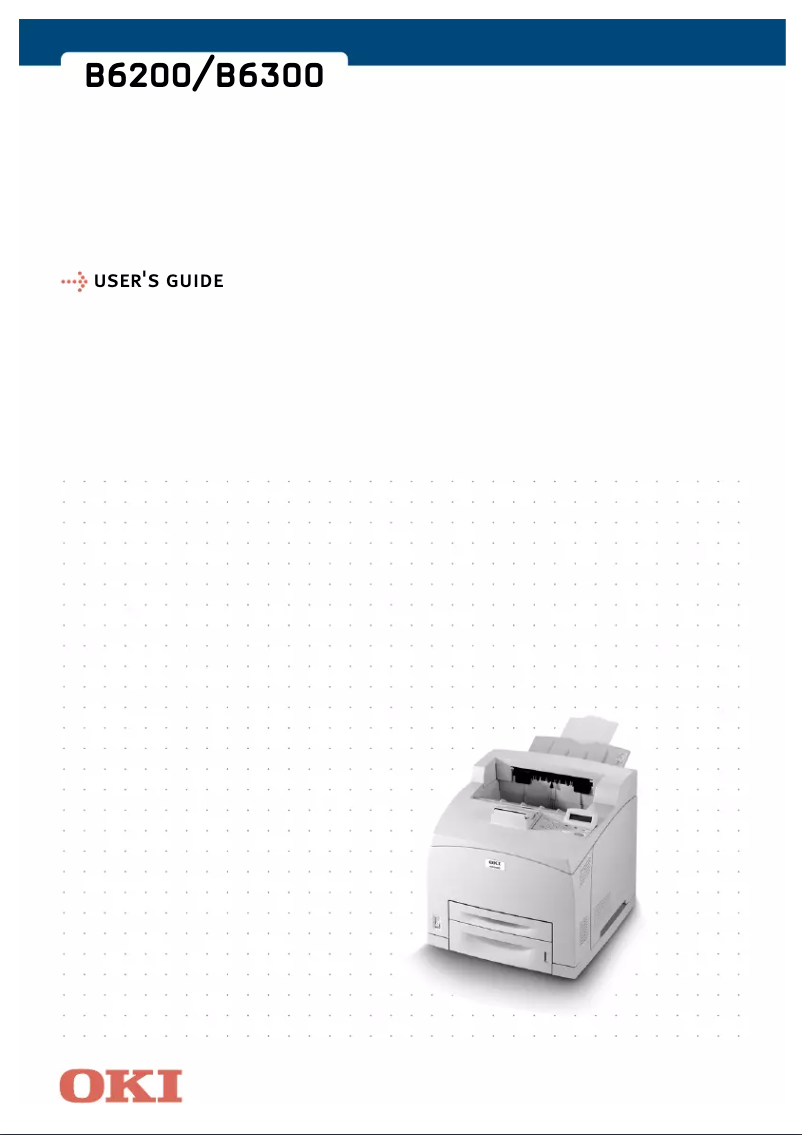
Editorial note
The OKI B6300 printer stands out with its impressive printing speed of 34 pages per minute and a maximum resolution of 1200 x 1200 DPI, ensuring high-quality prints suitable for professional use. With a paper capacity of 700 sheets and a maximum monthly duty cycle of 150,000 pages, it effectively meets the needs of users with high printing volumes. Additionally, its compact design makes it easy to integrate into various office spaces. However, some drawbacks must be considered. The lack of color printing functionality may limit its use for documents requiring an attractive visual presentation. Furthermore, the standby noise level of 53.6 dB can disrupt a quiet work environment, and its weight of 21 kg makes transport and integration into tight spaces more challenging. Limited compatibility with modern operating systems may also pose issues for recent users. In terms of user experience, the design is deemed satisfactory, but usability could be improved, particularly by providing more detailed support and an updated user manual to include information on recent operating systems. Overall, the OKI B6300 represents a solid option for those seeking a high-performance printer, but users should be aware of its limitations.Score details
User experience
The user experience is generally satisfactory, with a compact design that facilitates integration into various office spaces.
Performance
The printing speed of 34 ppm and a resolution of 1200 x 1200 DPI ensure fast and high-quality prints, ideal for professional use.
Design
The design is compact with dimensions of 422 x 465 x 404 mm, allowing for optimal fitting in different work environments.
Value for money
The price is justified by its performance and a paper capacity of 700 sheets, but the lack of color printing may be a disadvantage for some users.
Robustness
The maximum service cycle of 150,000 pages per month demonstrates good durability and reliability for users with intensive printing needs.
Usability
The lack of compatibility with modern operating systems may pose problems for recent users, limiting the product's accessibility.
Support
Support could be improved, particularly with more detailed manuals or guides for users.
Documentation
The user manual is available but could benefit from an update to include information on recent operating systems.
Advantages
Fast printing at 34 ppm
Exceptional resolution of 1200 x 1200 DPI
700-sheet capacity
Compact design for small spaces
Duty cycle of 150,000 pages
Disadvantages
No color printing available
High standby noise (53.6 dB)
Bulky weight and dimensions (21 kg)
Limited compatibility with recent systems
Insufficient standard input/output capacity
Technical Specifications B6300
General Information
-
ModelB6300
-
Brand
-
Category
-
Type
-
SKU87257
-
MPN87257
Representation / realization
-
Internal memory128 MB
-
Processor frequency350 MHz
-
Maximum internal memory640 MB
-
Sound power level (standby)53.6 dB
Print speed
-
Maximum resolution1200 x 1200 DPI
-
ColorNo
-
Print speed (black, normal quality, A4/US Letter)34 ppm
-
Copy time for the first page (Black, normal)8.8 s
Paper management
-
Maximum print format210 x 297 mm
-
Maximum ISO A series paper sizeA4
Weight and dimensions
-
Dimensions (LxWxH)422 x 465 x 404 mm
-
Weight21000 g
Other features
-
Power requirements230VAC
-
Standard average formatsA4, A5, B5, A6, Letter, Legal 13, Legal 14, Executive Labels
-
Compatible operating systemsWindows 98, 98SE, ME, NT4.0, 2000, XP
Input and output capacity
-
Total output capacity500 sheets
-
Total power capacity700 sheets
Environmental conditions
-
Operating relative humidity (H-H)15 - 85 %
-
Operating temperature5 - 35 °C
Features
-
Service cycle (Maximum)150,000 pages per month
Frequently Asked Questions
What is the weight of the OKI B6300 printer?
What is the recommended method for removing jammed paper from the printer?
Why is my printer not recognizing the original cartridges?
What are the possible reasons for poor print quality?
How does a laser printer differ from an inkjet printer?
Why does my inkjet printer leave black streaks on prints?
What does the acronym DPI mean?
Is the manual for the OKI B6300 available in French?
Similar products


More product categories from brand OKI
More product types from brand OKI


Presentation of product B6300 specifications from brand OKI
General Information
The model OKI B6300, manufactured by the renowned brand OKI, stands out for its quality and innovation in the printer sector. This model, referenced under the code B6300 | 09004406, offers high performance and an optimized user experience. Its EAN code, 5031713928645, allows for unique identification in the distribution system.
Representation / Implementation
With an internal memory of 128 MB, the OKI B6300 is capable of handling a significant amount of data and applications, ensuring smooth usage. Its processor operates at a frequency of 350 MHz, positively influencing its execution speed. The maximum internal memory can reach 640 MB, providing even more storage space. In terms of noise, the sound level in standby is 53.6 dB, ensuring relatively discreet use in a work environment.
Print Speed
The maximum resolution of the OKI B6300 is 1200 x 1200 DPI, allowing for prints of remarkable clarity, suitable for both professional and personal needs. Although it does not offer color printing, it excels in its field in monochrome. Its print speed reaches 34 ppm, facilitating rapid document production. Additionally, the first page copy time is only 8.8 s, which is particularly useful in intensive work environments.
Paper Management
The OKI B6300 supports a maximum print size of 210 x 297 mm, ensuring optimal print quality for large documents. It is also compatible with standard paper formats from the ISO A series, including A4, making it suitable for various types of work.
Weight and Dimensions
The dimensions of the OKI B6300 are 422 x 465 x 404 mm, allowing for easy integration into different office spaces. Weighing 21 kg, this device is designed for stable use, although this may make transportation more complex.
Other Features
For optimal operation, the OKI B6300 requires a power supply of 230VAC. It supports a variety of standard medium formats, such as A4, A5, B5, A6, Letter, Legal 13, Legal 14, Executive Labels, making it versatile for different applications. In terms of compatibility, it works with operating systems Windows XP, Vista, 7, although this may pose limitations for users of newer versions of Windows.
Input and Output Capacity
The output capacity of the OKI B6300 is 500 sheets, allowing for efficient print management. Its feed capacity is 700 sheets, which is ideal for handling a large volume of documents without frequent interruptions.
Environmental Conditions
This model operates efficiently in a relative humidity of 15 - 85 % and at an ambient temperature of 5 - 35 °C, ensuring reliable performance in various environments.
Specifications
With a maximum duty cycle of 150000 pages per month, the OKI B6300 is designed to support intensive use, thus meeting the needs of users with high printing requirements.


