

Manual of product C911DN
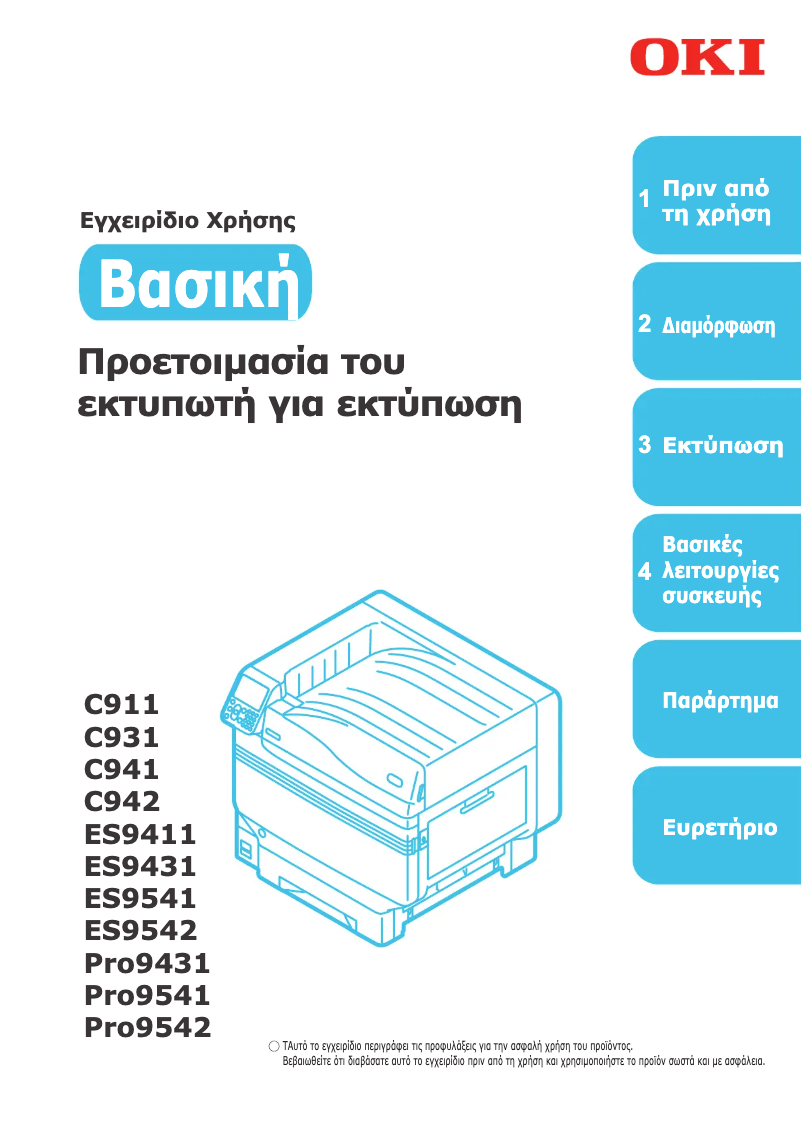
Editorial note
The OKI C911DN printer stands out with its impressive printing speed of 50 pages per minute, both in black and color, making it an ideal choice for demanding work environments. Its maximum resolution of 1200 x 1200 DPI ensures prints of exceptional clarity, suitable for professional and personal needs. Additionally, its high input capacity of 2950 sheets allows for efficient handling of large print volumes, thus reducing the need for frequent reloads. However, there are a few drawbacks to consider. The duplex printing mode being manual can make usage less convenient and require more user intervention. The lack of Wi-Fi connectivity limits usage flexibility, forcing users to connect via USB or Ethernet, which can be cumbersome in certain situations. Furthermore, its weight of 97.6 kg can make transport and installation difficult, potentially requiring multiple people to move it. In terms of energy consumption, although the consumption in standby mode is relatively low, the power required in printing mode (up to 1600 W) can lead to higher energy costs in the long run. Finally, the total output capacity of 300 sheets may prove insufficient for high-volume environments, requiring frequent interventions to empty the output tray. Overall, the OKI C911DN offers solid performance and good value for its price, but users should be aware of the limitations related to its maneuverability and connectivity.Score details
User experience
The user experience is generally good, but the manual duplex printing mode can make usage less convenient and require more user intervention.
Performance
The printing speed of 50 pages per minute, both in black and color, offers optimal efficiency for demanding work environments.
Battery life
Although the power consumption in standby mode is relatively low, the consumption during printing (up to 1600 W) can be high, increasing long-term energy costs.
Design
The weight of 97.6 kg can make moving and installing the printer difficult, requiring several people for transport.
Value for money
The high input capacity of 2950 sheets allows for efficient management of large print volumes, making it a good choice for high-demand environments.
Features
Although the printer is compatible with various operating systems, the lack of Wi-Fi connectivity limits usage flexibility.
Usability
The total output capacity of 300 sheets may be insufficient for high-volume work environments, requiring frequent interventions to empty the output tray.
Advantages
Fast printing: 50 pages per minute
Resolution of 1200 x 1200 DPI
Input capacity of 2950 sheets
Manual duplex printing
Compatible with Windows and Mac
Disadvantages
Manual duplex printing is inconvenient
No Wi-Fi connectivity
Heavy weight, difficult to move
High power consumption during printing
Output capacity limited to 300 sheets
Technical Specifications C911DN
General Information
-
ModelC911DN
-
Brand
-
Category
-
Type
-
SKU1368101
-
MPN1368101
Print speed
-
Double-sided printingYes
-
Maximum resolution1200 x 1200 DPI
-
Print speed (color, normal quality, A4/US Letter)50 ppm
-
Print speed (color, normal quality, A4/US Letter)50 ppm
-
Duplex printing modeAuto
-
Double-sided printingYes
-
Printing technologyLED
-
Copy time for the first page (Black, normal)8 s
Paper management
-
Type of paper tray supportBanner
-
ISO, Format Series A (A0...A9)Envelopes
-
Maximum ISO A series paper sizeLabels
-
ISO, Formats Series-B (B0...B9)Plain paper
-
ISO Paper Size, Series C Formats (C0…C9)A3
-
Envelope sizesA4
-
Non-ISO print support sizesA5
-
Maximum print formatA6
-
A3
-
B5
-
C5
-
DL
-
Monarch
-
index card
-
Letter (media size)
-
297 x 420 mm
Representation / realization
-
Processor frequency1000 MHz
-
Maximum internal memory2000 MB
-
Maximum internal memory2000 MB
-
Sound pressure level (impression)57 dB
-
Sound power level (standby)34 dB
-
Processor familyARM Cortex
Connectivity
-
Quantity of USB 2.0 Ports1
-
Standard interfacesEthernet
Network
-
Ready-to-use networkYes
-
WifiNo
-
Ready-to-use networkYes
-
Mobile printing technologiesNot supported
-
Management protocolsTCP/IP, EtherTalk
Design
-
Built-in screenYes
-
Product colorWhite
-
ScreenLCD
Input and output capacity
-
Total number of power supply units2
-
Maximum number of feed bins5
-
Total power capacity830 sheets
-
Maximum input capacity2950 sheets
-
Total output capacity300 sheets
-
Maximum output capacity610 sheets
Features
-
Number of print cartridges-
-
Service cycle (Maximum)300,000 pages per month
-
Languages of the page descriptionPCL 5c, PCL 6
Other features
-
Standby LEDYes
-
Standby LEDYes
Power
-
Average power consumption in Print mode1100 W
-
Consumption (max)1600 W
-
Energy consumption (standby mode)40 W
-
Energy consumption (eco mode)30 W
-
Electricity consumption (stop)0.4 W
Sustainability
-
Sustainability certificatesENERGY STAR
Minimum system requirements
-
Support for the Windows operating systemWindows 7 Enterprise
-
Support for the Mac operating systemWindows 7 Enterprise x64
-
Windows 7 Home Basic
-
Windows 7 Home Basic x64
-
Windows 7 Home Premium
-
Windows 7 Home Premium x64
-
Windows 7 Professional
-
Windows 7 Professional x64
-
Windows 7 Starter
-
Windows 7 Starter x64
-
Windows 7 Ultimate
-
Windows 7 Ultimate x64
-
Windows 8
-
Windows 8 Enterprise
-
Windows 8 Enterprise x64
-
Windows 8 Pro
-
Windows 8 Pro x64
-
Windows 8 x64
-
Windows Vista Business
-
Windows Vista Business x64
-
Windows Vista Enterprise
-
Windows Vista Enterprise x64
-
Windows Vista Home Basic
-
Windows Vista Home Basic x64
-
Windows Vista Home Premium
-
Windows Vista Home Premium x64
-
Windows Vista Ultimate
-
Windows Vista Ultimate x64
-
Windows XP Home
-
Windows XP Home x64
-
Windows XP Professional
-
Windows XP Professional x64
-
Mac OS X 10.3 Panther
-
Mac OS X 10.4 Tiger
-
Mac OS X 10.5 Leopard
-
Mac OS X 10.6 Snow Leopard
-
Mac OS X 10.7 Lion
-
Mac OS X 10.8 Mountain Lion
-
Mac OS X 10.9 Mavericks
Environmental conditions
-
Operating temperature10 - 32 °C
-
Operating relative humidity (H-H)20 - 80 %
Weight and dimensions
-
Weight97600 g
-
Width699 mm
-
Depth625 mm
-
Height640 mm
Frequently Asked Questions
What is the weight of the OKI C911DN printer?
What is the recommended method for removing a paper jam from the printer?
Why is my printer not accepting original cartridges?
What are the reasons for poor print quality?
What is the difference between a laser printer and an inkjet printer?
Why is my inkjet printer producing black streaks?
What does the acronym DPI mean?
How many cartridges can be installed in the OKI C911DN?
What is the height of the OKI C911DN printer?
What is the width of the OKI C911DN printer?
What is the depth of the OKI C911DN printer?
Is the manual for the OKI C911DN available in French?
Similar products


More product categories from brand OKI
More product types from brand OKI


Presentation of product C911DN specifications from brand OKI
General Information
The OKI C911DN is a printer from the OKI brand, known for its innovation and quality in the office equipment sector. This model, identified by the number C911DN | 62439901, offers optimal performance, suitable for various printing needs. The unique EAN code, 4949443022674, 0051851185675, 0514851185675, facilitates its identification in distribution systems.
Print Speed
This printer supports color printing, offering a maximum resolution of 1200 x 1200 DPI for remarkably clear results, whether for professional or personal documents. The print speed reaches 50 pages per minute in both black and color, making it particularly efficient for demanding work environments. Although it has a manual duplex printing feature, it requires user intervention, which can sometimes reduce its practicality. The LED technology used ensures consistent print quality, and the time to print the first page in black is only 8 seconds.
Paper Management
The paper tray of the OKI C911DN is versatile, accepting various types of media such as envelopes, labels, plain paper, and banners. It is compatible with paper sizes A3, A4, A5, A6 as well as B5 and C5 formats, allowing for a wide range of applications. Its input capacity is impressive, able to hold up to 2950 sheets, while the maximum supported print size is 297 x 420 mm. This capacity reduces interruptions due to frequent paper reloads.
Representation / Performance
Equipped with an ARM Cortex processor running at 1000 MHz, the OKI C911DN features an internal memory of 2000 MB, ensuring smooth data management. The noise level during printing is 57 dB, which is acceptable for an office environment, and in standby, it generates only 34 dB.
Connectivity
For connectivity, the OKI C911DN is equipped with a USB 2.0 port and standard interfaces, ensuring easy integration with various devices. Although it does not have Wi-Fi connectivity, it is ready for use with an Ethernet/LAN network.
Design
The design of the OKI C911DN features a built-in LCD screen, providing a clear and accessible user interface. Its white color gives it a modern aesthetic, suitable for any office environment.
Input and Output Capacity
This printer is equipped with 2 input trays and can handle up to 2950 sheets in input, with an output capacity of 300 sheets, which is sufficient for moderate workloads.
Features
The maximum service cycle of the OKI C911DN is 300000 pages per month, making it suitable for heavy use. It supports page description languages PCL 5c and PCL 6, for increased compatibility with various systems.
Other Features
A power LED indicator clearly shows the status of the device, and a sleep mode helps reduce energy consumption when the printer is inactive.
Power
Regarding power consumption, the OKI C911DN requires 1100 W in print mode, with a peak of 1600 W. In standby mode, consumption is reduced to 40 W, and in economy mode, it drops to 30 W.
Durability
Certified ENERGY STAR, the OKI C911DN meets high energy efficiency standards, contributing to environmental protection.
Minimum System Requirements
The printer is compatible with various operating systems, including versions of Windows and Mac, ensuring smooth integration into different computing environments.
Environmental Conditions
For optimal operation, it requires an ambient temperature of 10 to 32 °C and a relative humidity level of 20 to 80 %.
Weight and Dimensions
Weighing 97.6 kg, the OKI C911DN may require several people for installation. Its dimensions are 699 mm wide, 625 mm deep, and 640 mm high, which should be taken into account when integrating it into a workspace.


