

Manual of product C9650n
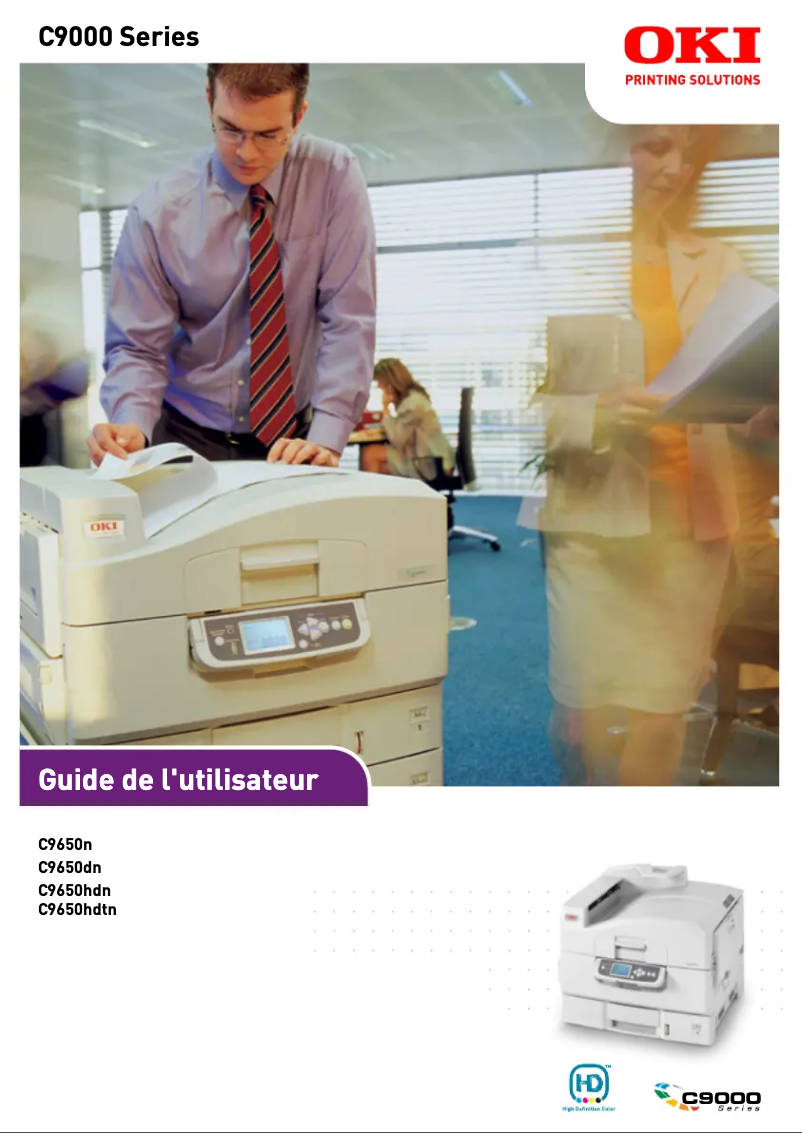
Editorial note
The OKI C9650n printer stands out for its impressive performance, offering a printing speed of 40 pages per minute in black and 36 pages per minute in color. This makes it an ideal choice for demanding work environments that require fast and efficient printing on a daily basis. Additionally, its maximum resolution of 600 x 1200 DPI ensures adequate print quality, suitable for various needs. However, the initial purchase cost represents a significant investment, which can be a barrier for small businesses and home users. Maintenance costs, particularly those related to toners, can also prove to be high in the long run. Furthermore, the size and weight of the printer may pose space issues in confined work areas. The user interface, while comprehensive, may seem complex for some, requiring additional learning time for optimal use. A 127-page user manual is available, providing good documentation to help users familiarize themselves with the device. In summary, the OKI C9650n is a robust printer, suited for fast and quality printing needs, but its cost and size should be considered before purchase.Score details
User experience
The user interface and configuration options may seem complex for some users, requiring additional learning time.
Performance
The printer offers a fast printing speed of 40 ppm in black and 36 ppm in color, ideal for daily use in demanding work environments.
Design
The size and weight of the printer may pose space issues in restricted work areas.
Value for money
The initial purchase cost may be high, and the maintenance costs related to toners can be expensive in the long run.
Features
The maximum resolution of 600 x 1200 DPI ensures acceptable print quality, but may not be suitable for professionals requiring very high-quality prints.
Support
A 127-page user manual is available, providing good documentation to assist users.
Robustness
Laser printing technology ensures durability and color fidelity while reducing long-term printing costs.
Advantages
Fast printing: 40 ppm black, 36 ppm color
Print quality: 600 x 1200 DPI
Flexible paper handling, formats up to A3
Laser technology for durability and true colors
512 MB internal memory for smooth operation
Disadvantages
High purchase cost for small businesses
Expensive maintenance and toners
Bulky size and weight
Complex interface for some users
Limited resolution for high-quality prints
Technical Specifications C9650n
General Information
-
ModelC9650N
-
Brand
-
Category
-
Type
-
SKU87291
-
MPN87291
Print speed
-
ColorYes
-
Maximum resolution600 x 1200 DPI
-
Print speed (black, normal quality, A4/US Letter)40 ppm
-
Print speed (color, normal quality, A4/US Letter)36 ppm
-
Copy time for the first page (color, normal)10.5 s
-
Copy time for the first page (Black, normal)9 s
-
Printing technologyLaser
Representation / realization
-
Internal memory512 MB
Paper management
-
Maximum ISO A series paper sizeA3
-
Maximum ISO A series paper sizeA3
Frequently Asked Questions
What is the best method to remove a jammed paper from the printer?
Why is my printer not recognizing the original cartridges?
What are the possible causes of poor print quality?
What is the difference between a laser printer and an inkjet printer?
Why is my inkjet printer leaving black streaks on prints?
What does the acronym DPI mean?
Is the manual for the OKI C9650n available in French?
Similar products


More product categories from brand OKI
More product types from brand OKI


Presentation of product C9650n specifications from brand OKI
General Information
The model OKI C9650n, manufactured by the renowned brand OKI, is a device that stands out for its quality and innovation in the printer sector. This model, referenced under the code C9650n | 01206101, is designed to offer optimal performance and an enriching user experience. Its EAN code, 5031713038764, allows for unique identification in distribution systems.
Print Speed
The OKI C9650n is a color printer that meets the varied needs of users. With a maximum resolution of 600 x 1200 DPI, it guarantees prints of remarkable clarity, suitable for both professional needs and personal use. Its print speed is 40 pages per minute in black and 36 pages per minute in color, thus providing an efficient work pace for demanding environments. Additionally, the first page copy time is 9 seconds for black prints and 10.5 seconds for color prints, ensuring appreciable responsiveness.
Representation / Achievement
With an internal memory of 512 MB, the OKI C9650n is capable of handling a large volume of data, allowing for smooth and efficient processing, even when printing complex documents.
Paper Management
This printer is compatible with A series paper sizes, up to A3, thus ensuring flexibility for various printing needs. This includes support for standard formats such as A4 and A5, making it easy to integrate into traditional office environments.
Advantages
- Fast printing: 40 ppm in black and 36 ppm in color, ideal for daily use.
- Exceptional print quality thanks to a resolution of 600 x 1200 DPI.
- Flexible paper management with compatibility up to A3.
- Laser printing technology ensuring durability and color fidelity.
- Internal memory of 512 MB for efficient data processing.
Disadvantages
- Potentially high initial purchase cost, which may be a barrier for small businesses or individuals.
- Maintenance and toner consumption costs that can prove high in the long term.
- Size and weight of the printer may pose space constraints in limited areas.
- User interface and configuration options may require a learning curve for some users.
- The resolution, while adequate, may not satisfy professionals requiring very high-quality prints.


