

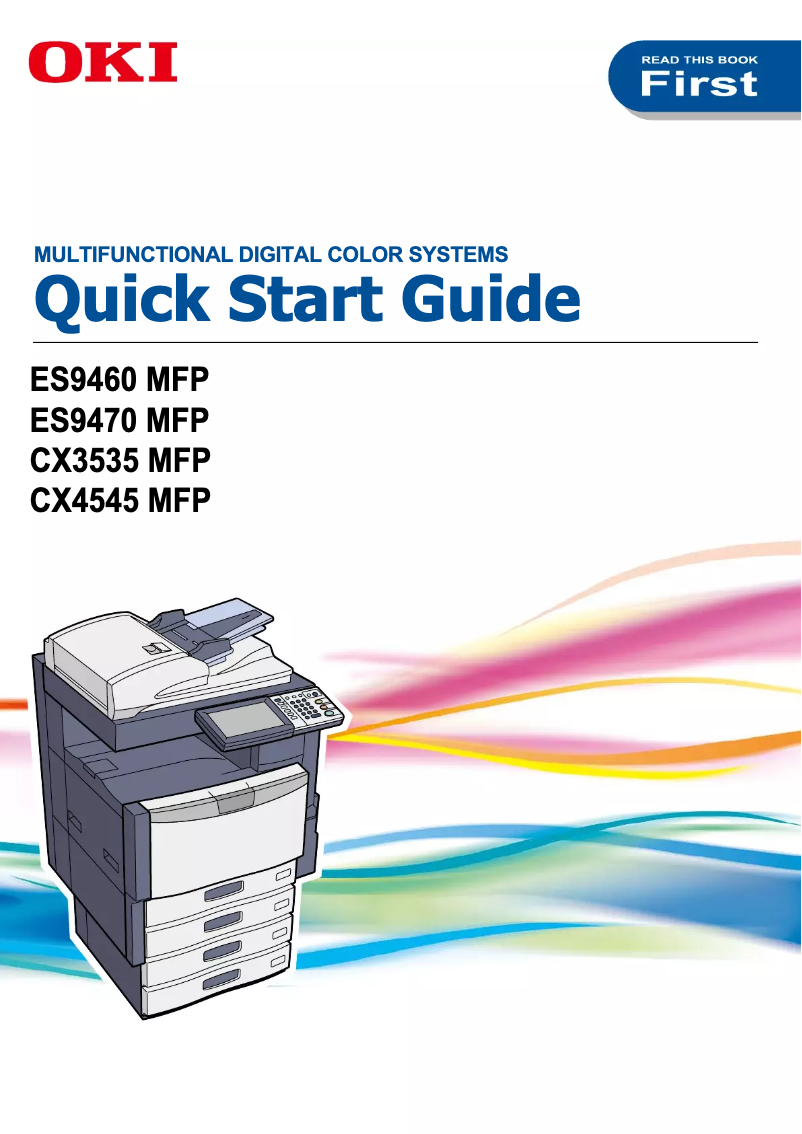
Manual of product CX3535t
Editorial note
The OKI CX3535t printer stands out for its high print quality and versatility. With exceptional resolution, it produces clear and professional documents, making it an ideal choice for demanding office environments. Additionally, it offers the capability to print, copy, and scan, thus meeting various needs with a single device. Its use is facilitated by a detailed manual, making it accessible even for less experienced users. However, it is important to note some drawbacks. The initial purchase cost is relatively high, which can represent a significant investment, especially for small businesses. The costs of consumables, such as toners and drums, can also add up quickly, making the maintenance of the printer expensive in the long run. Furthermore, its bulky design may pose space issues in restricted offices, and while the print speed is adequate, it may not be sufficient in high-demand environments. Finally, the OKI brand is known for its reliability, providing peace of mind regarding the durability of its products. However, compatibility issues may arise with certain operating systems, which can limit the integration of the printer into various computer configurations. In summary, the OKI CX3535t is a high-performing and versatile device, but it requires a thoughtful investment.Score details
User experience
The user experience is very positive thanks to a clear manual that makes it easy to use, even for less experienced users.
Performance
Print performance is optimized, with a decent speed for office tasks, although this may not be sufficient in high-demand environments.
Value for money
The initial purchase cost is relatively high, and the costs of consumables can quickly add up, which can be a disadvantage for small businesses.
Design
The design is functional, but the printer can be bulky and heavy, which may pose space issues in some offices.
Features
The versatility of the OKI CX3535t is a major asset, allowing printing, copying, and scanning with a single device, thus meeting various office needs.
Robustness
The reliability of the OKI brand is a guarantee of durability, providing peace of mind to users regarding the longevity and performance of the device.
Support
Support is adequate, but compatibility issues may arise with certain operating systems or software, limiting integration into various configurations.
Advantages
Professional high-quality printing
Versatile printing, copying, and scanning
Fast and efficient printing speed
Ease of use for all levels
Recognized brand for its reliability
Disadvantages
High initial purchase cost
Expensive long-term consumables
Bulky and heavy printer
Insufficient printing speed
Possible software compatibility issues
Technical Specifications CX3535t
General Information
-
ModelCX3535T
-
Brand
-
Category
-
Type
-
SKU1368237
-
MPN1368237
Frequently Asked Questions
What is the recommended method for removing jammed paper from the printer?
Why does my printer refuse to use original cartridges?
What are the possible reasons for poor print quality?
How does a laser printer differ from an inkjet printer?
Why does my inkjet printer leave black streaks on my prints?
What does the acronym DPI mean?
Is the manual for the OKI CX3535t available in French?
Similar products


More product categories from brand OKI
More product types from brand OKI


Presentation of product CX3535t specifications from brand OKI
General Information
The OKI CX3535t printer, manufactured by the OKI brand, is known for its reliability and innovation in the office equipment sector. This high-performance model is designed to enhance the user experience while meeting the demands of modern work environments.
Advantages
This printer stands out for its high print quality, offering exceptional resolution that ensures professional and readable documents, perfect for businesses. Its versatility is also an asset, as it allows printing, copying, and scanning, thus centralizing multiple functions within a single device.
The optimized performance of the OKI CX3535t translates into fast printing speed and efficient task processing, contributing to increased productivity within teams. Moreover, the ease of use of this model is a strong point, with a detailed manual that helps even less experienced users quickly familiarize themselves with the device.
Finally, the reliability of the OKI brand is a guarantee of durability, providing peace of mind regarding the longevity and performance of the printer.
Disadvantages
However, it is important to note that the initial acquisition cost of the OKI CX3535t can be relatively high compared to other similar models, which may represent a significant investment for small businesses or individuals. Additionally, the consumable costs, such as toners and drums, can accumulate quickly, making the maintenance of the printer expensive in the long run.
Its size can be bulky and heavy, which could pose space and mobility issues in restricted offices. Although its printing speed is adequate, it may not be sufficient in high-demand environments, leading to delays in document production. Finally, compatibility issues may arise with certain operating systems or software, limiting its integration into various computer configurations.


