
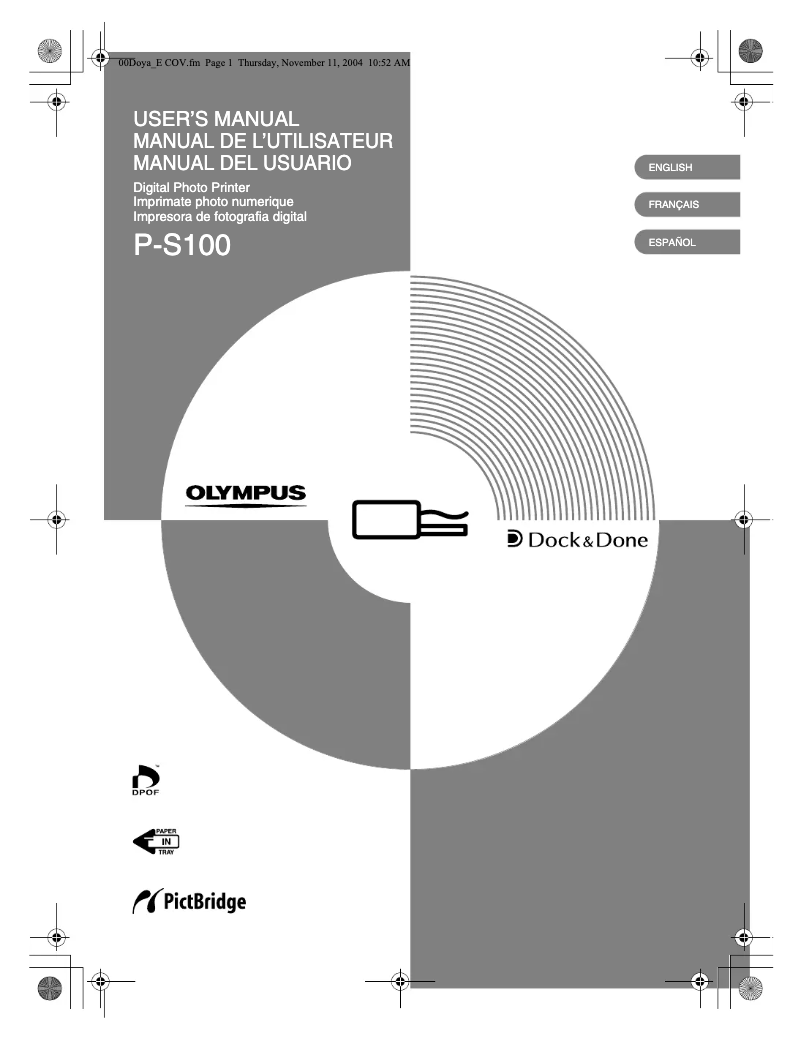
Manual of product P-S100
Editorial note
The Olympus P-S100 stands out for its exceptional print quality, delivering results that will satisfy users looking for professional performance. Its ease of use is another strong point, supported by a clear user manual, making it accessible even to novices in printing. Additionally, as a product from a brand known for its durability and innovation, the Olympus P-S100 represents a reliable investment. However, the product has some drawbacks. Its price can be relatively high compared to other printers on the market, which may deter some buyers. Furthermore, compatibility with certain operating systems is limited, making installation more complex for some users. The print speed, lower than that of some competitors, may also pose a problem for those with significant printing needs. Finally, the lack of advanced features, such as automatic duplex printing, as well as its weight and size, may reduce its versatility and portability. Overall, the Olympus P-S100 is a solid choice for users seeking a quality printer, but it is important to consider its limitations in terms of cost and features.Score details
User experience
The user experience is positive due to the ease of use of the Olympus P-S100, supported by a clear and accessible user manual.
Performance
The performance is generally good, but the printing speed is lower than that of some competing models, which can be a disadvantage for high-demand needs.
Value for money
The price of the Olympus P-S100 is relatively high compared to other printers on the market, which may deter some users.
Design
The compact design of the printer allows for easy integration into various workspaces, which is an advantage for home offices.
Features
The lack of advanced features like automatic duplex printing limits the printer's versatility for some users.
Robustness
As a product of the Olympus brand, the P-S100 benefits from a strong reputation for durability and innovation, ensuring users a reliable investment.
Advantages
High-quality prints
Ease of use for everyone
Reputable and reliable brand
Consistent and efficient performance
Compact and suitable for small spaces
Disadvantages
High price compared to competitors.
Limited compatibility with certain systems.
Lower printing speed than other models.
No automatic duplex printing.
Unwieldy weight and size.
Technical Specifications P-S100
General Information
-
ModelP-S100
-
Brand
-
Category
-
Type
-
SKU1349598
-
MPN1349598
Frequently Asked Questions
What is the recommended method for removing jammed paper from the printer?
Why is my printer not recognizing the original cartridges?
What are the possible causes of poor print quality?
How does a laser printer differ from an inkjet printer?
Why does my inkjet printer leave black streaks on prints?
What does the abbreviation DPI mean?
Is the manual for the Olympus P-S100 available in French?
Similar products


More product categories from brand Olympus
More product types from brand Olympus


Presentation of product P-S100 specifications from brand Olympus
General Information
The Olympus P-S100 printer is a product of the Olympus brand, known for its commitment to quality and innovation in the home appliance sector. This model, the P-S100, is designed to deliver optimal performance, ensuring a smooth and enjoyable user experience.
Advantages
Among the strengths of the Olympus P-S100, we find:
- Exceptional print quality: This printer produces high-quality prints, ideal for those seeking professional results.
- Ease of use: With a clear user manual, it is accessible even for printing novices.
- Trusted brand: As a product of Olympus, the P-S100 benefits from a solid reputation for durability and innovation.
- Optimal performance: This model ensures consistent printing, allowing for efficient work without interruptions.
- Compactness: Its design allows for easy integration into various workspaces, making it a suitable choice for home offices or small offices.
Disadvantages
However, some aspects may be perceived as disadvantages:
- Relatively high price: Compared to other printers on the market, the cost of the Olympus P-S100 may deter some users.
- Limited compatibility: Compatibility with certain operating systems may pose installation issues for some users.
- Lower printing speed: Its speed may be slower than that of competing models, which could be a drawback for high printing needs.
- Lack of advanced features: The absence of functions like automatic duplex printing may limit its versatility.
- Weight and size: Its weight and dimensions may make transport and installation in small spaces more complex.


