
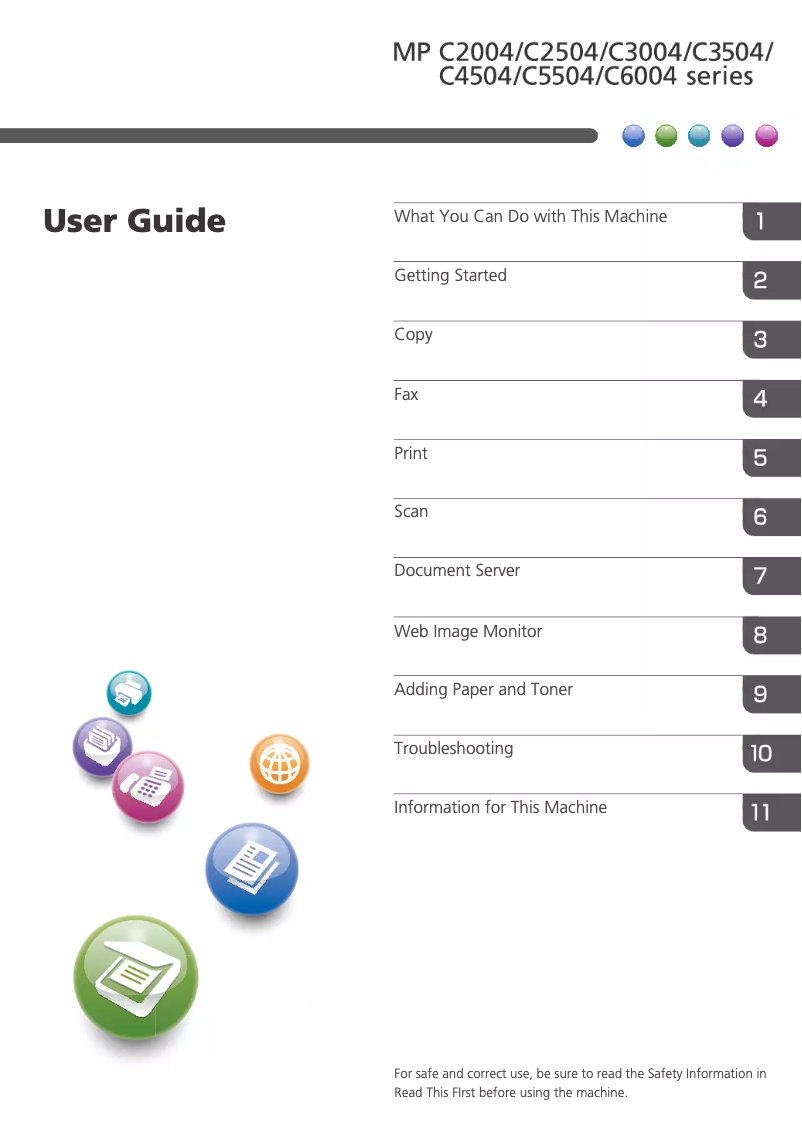
Manual of product MP C4504ASP
Editorial note
The Ricoh MP C4504ASP printer stands out for its exceptional print quality, delivering sharp and professional documents, thanks to Ricoh's advanced technology. Its versatility is a major asset, allowing for printing, copying, and scanning, which effectively meets the varied needs of users. Additionally, the intuitive user interface makes navigation easy, thus reducing the training time required for new users. However, it is important to consider some drawbacks. The initial acquisition cost is high, representing a significant investment, particularly for small businesses. Furthermore, its size can be cumbersome, posing a problem in tight workspaces. Maintenance costs and supply consumption, such as toners, can also accumulate over time, making the use of the printer potentially expensive in the long run. The legendary reliability of the Ricoh brand ensures appreciable durability and longevity, although the complexity of the advanced features may require additional training, increasing the adjustment time for some users. In terms of support, the user manual is comprehensive, but additional technical support could be beneficial for resolving more complex issues. In summary, the Ricoh MP C4504ASP is a high-performing printer, ideal for professional environments, provided that its cost and dimensions are taken into account.Score details
User experience
The user experience is very positive thanks to an intuitive interface that facilitates navigation, thus reducing the training time required.
Performance
The print quality is exceptional, providing clear and professional documents, and the versatility of use meets the varied needs of users.
Value for money
The initial acquisition cost is high, which can represent a significant investment, especially for small businesses, although the quality partly justifies this price.
Design
The size of the printer can be bulky, which may pose a problem in restricted workspaces, but the design is overall modern.
Robustness
The proven reliability of the Ricoh brand ensures the durability and longevity of the equipment, although maintenance costs can accumulate over time.
Usability
Although the interface is intuitive, the complexity of advanced features may require training, increasing the adjustment time for some users.
Support
The user manual is available and comprehensive, but additional technical support may be needed for users facing complex issues.
Advantages
Professional quality printing
Versatile features: printing, copying, scanning
Intuitive and easy-to-use interface
Energy efficiency reducing costs
Durability and reliability of the Ricoh brand
Disadvantages
High acquisition cost for small businesses
Bulky size in small spaces
High maintenance and supply costs
Complexity requiring user training
Disturbing noise level in quiet office
Technical Specifications MP C4504ASP
General Information
-
ModelMP C4504ASP
-
Brand
-
Category
-
Type
-
SKU865593
-
MPN865593
Frequently Asked Questions
What is the best method to remove paper jammed in the printer?
Pourquoi mon imprimante ne reconnaît-elle pas les cartouches d'origine ?
Quelles sont les raisons possibles d'une qualité d’impression médiocre ?
Quelle est la distinction entre une imprimante laser et une imprimante à jet d’encre ?
Pourquoi mon imprimante à jet d’encre laisse-t-elle des rayures noires sur les impressions ?
Que signifie l’acronyme DPI ?
Le manuel du Ricoh MP C4504ASP est-il proposé en version française ?
Similar products


More product categories from brand Ricoh
More product types from brand Ricoh



Presentation of product MP C4504ASP specifications from brand Ricoh
General Information
The Ricoh MP C4504ASP printer is an office equipment from the renowned brand Ricoh, known for its commitment to quality and innovation in the home appliance sector. This model is designed to deliver exceptional performance, ensuring an optimized user experience.
This printer stands out for its ability to produce documents with remarkable clarity thanks to its advanced printing technology, which ensures professional results. In addition to its printing features, it also offers copying and scanning options, making it a versatile tool suitable for various needs.
Its intuitive user interface allows for easy navigation, thus reducing the time required for user training. Moreover, the printer's energy efficiency helps to lower operating costs while adhering to environmental standards.
Advantages
- High print quality: Produces sharp and professional documents.
- Versatility: Integrated printing, copying, and scanning features.
- User-friendly interface: Facilitates daily use.
- Energy efficiency: Reduces operating costs.
- Brand reliability: Ensures durability and longevity.
Disadvantages
- Initial cost: Acquiring the printer can represent a significant investment for small businesses.
- Size: Its bulkiness can pose issues in limited workspaces.
- Maintenance costs: Expenses related to toners and other supplies can accumulate over time.
- Complexity: Advanced features may require additional training.
- Noise level: Can be high during operation, which may disturb in quiet work environments.


