Thumbnail of product COM9100 from brand Sansui
Logo of brand Sansui

Television Sansui COM9100

Discover the Sansui COM9100 television, a model that combines quality and innovation, true to the reputation of the Sansui brand in the field of household appliances. This television is designed to deliver optimal performance and an enhanced user experience.

The Sansui COM9100 is ideal for those looking for a reliable and high-performing device to enjoy their favorite programs. With its advanced technology, it guarantees image and sound quality that will satisfy movie and home entertainment enthusiasts.
A user manual is also available to help you make the most of your television and explore all its features.

In summary, the Sansui COM9100 is a wise choice for anyone looking to enrich their multimedia experience with a high-quality television.

Manual of product COM9100
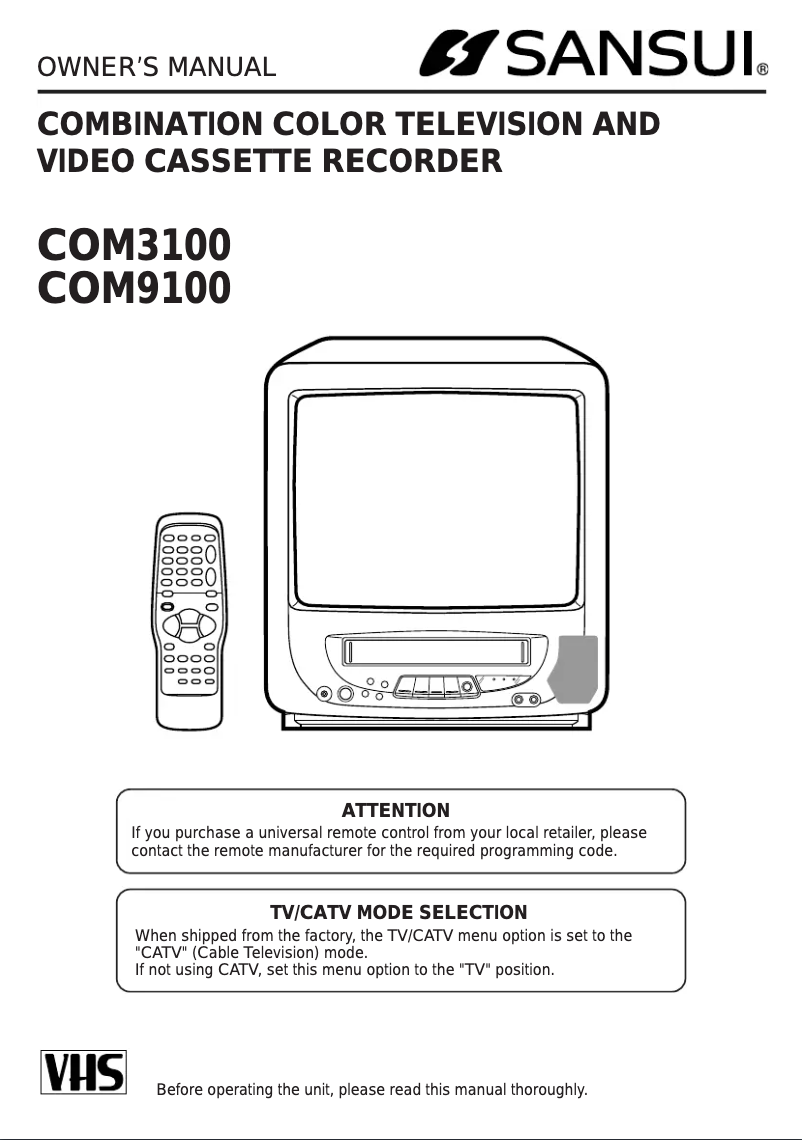
7 10

Editorial note

The Sansui COM9100 stands out with its modern and elegant design, seamlessly integrating into various types of interiors. The Sansui brand is recognized for its quality and innovation, contributing to the reliability and durability of this model. The television's performance is generally satisfactory, providing a pleasant and immersive viewing experience thanks to its advanced technology. However, some drawbacks deserve to be highlighted. Connectivity is limited, with a restricted number of HDMI and USB ports, which may pose a problem for users wishing to connect multiple devices. Additionally, the image quality, while acceptable, does not always compete with that of rival models, particularly regarding black reproduction and contrast. The built-in audio system may lack power and clarity, which could necessitate the addition of an external audio system for a satisfying sound experience. The user interface is also an area for improvement, as it can be considered somewhat unintuitive, making navigation through the menus less smooth. Finally, technical support and software updates seem insufficient, which could affect the television's performance in the long term. In summary, the Sansui COM9100 offers good value for money with notable advantages, but some weaknesses could limit the user experience for those seeking more advanced features.

Score details

User experience

The user experience is mixed, with an interface deemed not very intuitive, making navigation through the menus less smooth.

Performance

The performance is generally good, but the image quality may not match that of competitors, particularly in terms of black reproduction.

Design

The design is modern and elegant, fitting perfectly into various interiors, adding a pleasing aesthetic touch.

Value for money

The value for money is fair, but the limitations in connectivity and audio quality may diminish perceived value.

Support

Technical support and software updates seem insufficient, which could affect long-term performance.


Advantages

Recognized brand for quality and durability

Optimal performance for an immersive experience

User manual included for easy installation

Modern design fits into any interior

Superior image and sound quality

Disadvantages

Limited connectivity, few available ports.

Image quality inferior to the competition.

Built-in audio lacking power.

User interface not very intuitive.

Insufficient technical support and updates.

Technical Specifications COM9100

General Information

Frequently Asked Questions

What is the recommended viewing distance for my Sansui television?
The optimal viewing distance for your Sansui television depends on the screen size. Generally, it is advised to sit about 2.4 times the diagonal size of the screen.
What should I do if my television is no longer receiving a signal?
If your television is not picking up a signal, check the following: - Make sure your television is set to the correct source. - Check that the connections via HDMI or SCART are secure.
What are the dimensions of my television screen?
The size of your television is expressed in inches, where 1 inch equals 2.54 centimeters. This size corresponds to the measurement of the diagonal of the screen, which you should take by measuring from the bottom left corner to the top right corner.
What does the acronym HDMI stand for?
HDMI stands for High-Definition Multimedia Interface. An HDMI cable allows for the transmission of both audio and video signals between different devices.
Is it possible to connect devices from different brands via Bluetooth?
Yes, Bluetooth technology is universal and allows devices from different brands to easily interconnect.
How do I properly clean the Sansui COM9100 television?
To clean the Sansui COM9100 television, start by turning it off and unplugging it. Use a soft, damp cloth to gently wipe the exterior. Avoid liquid or aerosol cleaners that could damage the surface. For stubborn stains, use a cloth slightly dampened with a mild soap solution. Wring it out before cleaning the screen in gentle circular motions, without applying too much pressure. For the remote control, remove the batteries and clean it with a damp cloth. Ensure it is dry before reinserting the batteries. Allow the television and remote to dry completely before plugging them back in and turning them on. Always follow the manufacturer's recommendations to ensure the durability and optimal performance of your device.
What should I do if I accidentally spill liquid on the Sansui COM9100 television?
If liquid is spilled on the Sansui COM9100 television, follow these steps: 1. Turn off the television and unplug it immediately to avoid electrical hazards. 2. Gently wipe away the excess liquid with a soft, dry cloth. 3. Do not rub, as this could spread the liquid. 4. If the liquid has penetrated inside, do not attempt to open the television, as this could void the warranty and be dangerous. 5. Allow the television to dry naturally in a well-ventilated area for at least 24 hours, without using external heat. 6. Once completely dry, plug the television back in and turn it on. Check the display and sound. 7. If problems persist, contact Sansui customer service for assistance. It is essential to act quickly to limit damage caused by liquids.
Why is it crucial to read and keep the safety and operating instructions for the Sansui COM9100 television?
Reading and keeping the safety and operating instructions for the Sansui COM9100 television is important for several reasons: 1. Safety: The instructions provide essential information for using the television safely, reducing the risk of electric shocks and fires. 2. Correct usage: They help you set up and use the television optimally, thus extending its lifespan. 3. Features: The manual describes the various functions of the television, allowing you to maximize its use. 4. Troubleshooting: It provides tips for resolving common issues, saving you time. 5. Warranty: The manual may include information about warranty coverage and its conditions, helping you understand your rights. By following these guidelines, you ensure safe and effective use of your Sansui COM9100 television.
What should I do if a warning message appears on the Sansui COM9100 television?
If a warning message appears on your Sansui COM9100 television, follow these steps: 1. Read the message carefully and note the instructions. 2. Check the environment for issues such as power fluctuations or loose connections. 3. If the message concerns an electrical risk, turn off the television and unplug it. 4. Wait a few minutes, then plug the television back in and turn it on. If the message persists, proceed to the next step. 5. Consult the troubleshooting section of the manual for solutions to the warning message. 6. If the advice does not resolve the issue or if the message indicates a serious problem, contact Sansui customer support, providing details of the message and actions already taken. Always prioritize your safety by following the instructions in the message and the manual.
How can I ensure that I am correctly following the operating instructions for the Sansui COM9100 television?
To ensure that you are correctly following the operating instructions for the Sansui COM9100 television, adhere to these tips: 1. Read the manual carefully before starting the television. 2. Keep the instructions for future reference in a safe place. 3. Take note of all warnings present in the manual and on the television. 4. Follow the instructions for setup, settings, and using the various features. 5. When cleaning, ensure the television is unplugged and use a damp cloth, avoiding liquid or aerosol products. By following these steps, you ensure safe and effective use of the Sansui COM9100 television while maximizing its features and longevity.
Is the manual for the Sansui COM9100 available in French?
Unfortunately, the manual for the Sansui COM9100 is not available in French. It is only accessible in English.

Similar products


Discover the technical sheet of 55LED1600 from Salora and its manuals...
Available manuals:
Discover the technical sheet of COM3100 from Sansui and its manuals...
Available manuals:
Discover the technical sheet of 28LED1600 from Salora and its manuals...
Available manuals:
Discover the technical sheet of 43LED1600 from Salora and its manuals...
Available manuals:
Discover the technical sheet of COM3100C from Sansui and its manuals...
Available manuals:
Discover the technical sheet of SLED2237 from Sansui and its manuals...
Available manuals:
Discover the technical sheet of CDVD1900 from Sansui and its manuals...
Available manuals:
Discover the technical sheet of 20LED1600 from Salora and its manuals...
Available manuals:
Discover the technical sheet of 22LED1600 from Salora and its manuals...
Available manuals:
Discover the technical sheet of HDLCDVD328 from Sansui and its manuals...
Available manuals:
Discover the technical sheet of SLED3900 from Sansui and its manuals...
Available manuals:
Discover the technical sheet of 32LED1600 from Salora and its manuals...
Available manuals:

Presentation of product COM9100 specifications from brand Sansui

General Information

The Sansui COM9100 television is a flagship model from the Sansui brand, known for its commitment to quality and innovation in the electronics sector. This television is designed to deliver optimal performance, ensuring a pleasant and immersive viewing experience for the user.

Advantages

Among the strengths of the Sansui COM9100, its reputation for reliability and durability stands out, thanks to the brand's heritage. The modern and sleek design of the television allows for a seamless integration into various interior décors, adding an aesthetic touch to your living space. Additionally, the advanced technology integrated ensures superior image and sound quality, making each viewing session even more captivating. The television also comes with a clear user manual, making its setup and use easy for all experience levels.

Disadvantages

However, the Sansui COM9100 has some limitations. Its connectivity is limited, with a restricted number of HDMI and USB ports, which may pose challenges for those wishing to connect multiple devices simultaneously. Furthermore, while the image quality is satisfactory, it may not compete with that of other models in its range, particularly regarding black reproduction and contrast. The built-in audio may lack power and clarity, often requiring the addition of an external sound system for an optimal audio experience. Finally, some users may find the user interface not very intuitive, making navigation through menus and applications less smooth, and the technical support as well as software updates may be deemed insufficient, which could affect the longevity and performance of the television in the long run.