
Manuals of product BP-55C26
Editorial note
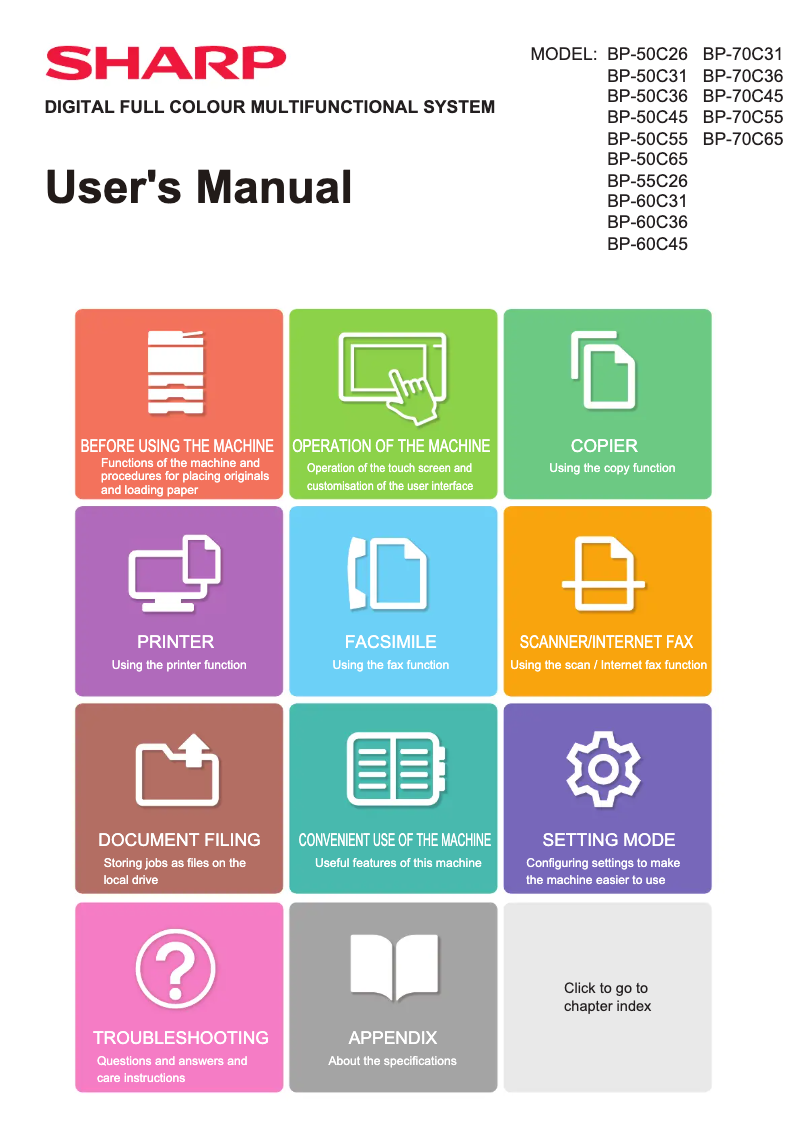
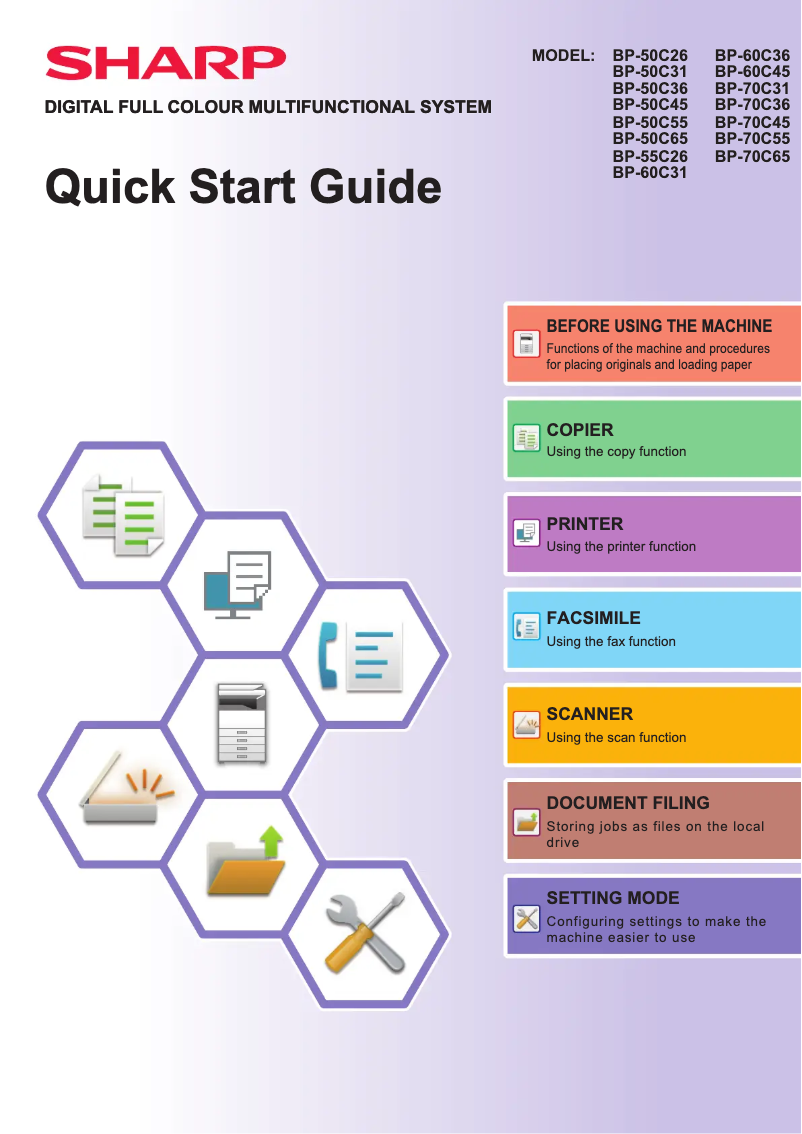
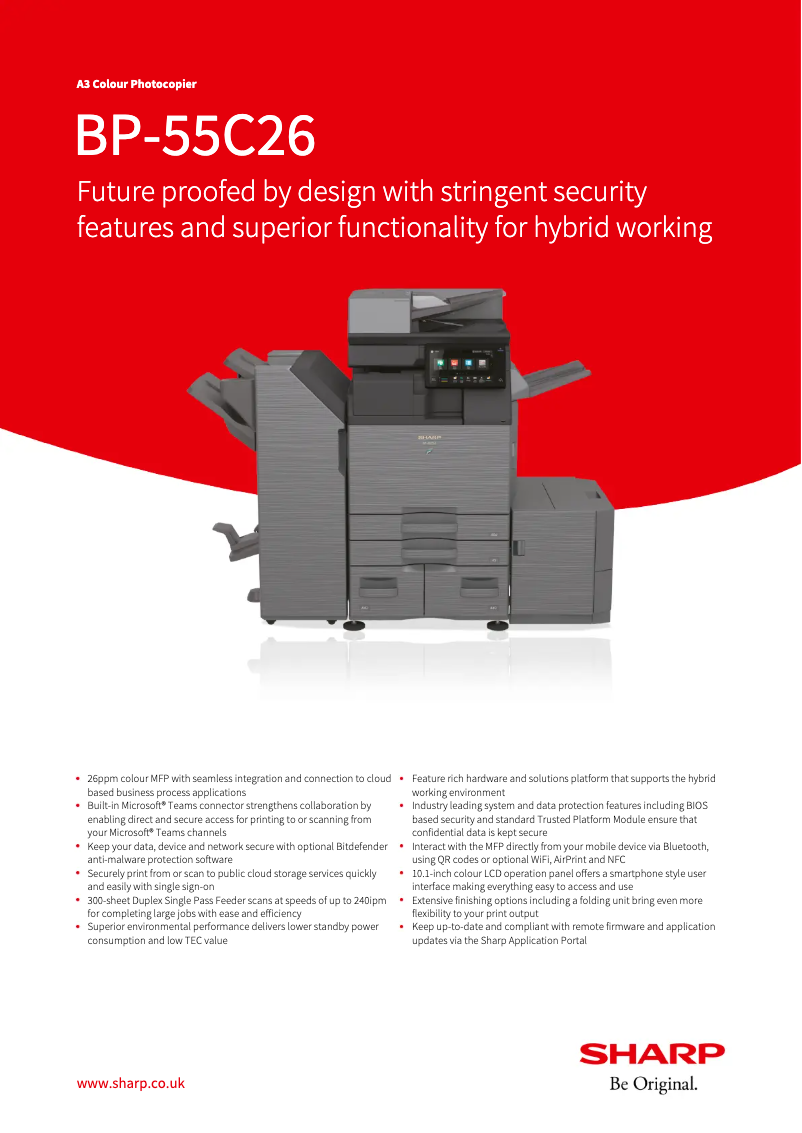
The Sharp BP-55C26 printer stands out for its reliability and the quality that characterizes the Sharp brand. With optimized printing performance, it offers a satisfying user experience, supported by a user manual and a quick start guide that facilitate its installation. Users will also appreciate the technical documents provided, which allow for full utilization of the device's features. However, it is important to note some drawbacks. The cost of ink cartridges can be a limiting factor by increasing the total cost of use. Additionally, its bulkiness could pose space issues, especially in home environments or small offices. The printing speed, while adequate, may be lower than that of some competitors, which could slow down workflow in a professional setting. Finally, the user interface, while functional, could be improved for better intuitiveness. In summary, the Sharp BP-55C26 is a robust and high-performing printer, ideal for diverse use, but potential users will need to consider its operating cost and bulkiness.Score details
User experience
The user experience is generally positive thanks to a manual and a quick start guide that facilitate getting started, but the user interface could be improved for some users.
Performance
Print performance is optimized, offering fast and high-quality printing, although the printing speed may be lower than that of some competing models.
Value for money
The cost of ink cartridges is relatively high, which can increase the total cost of using the printer, despite the quality of the prints.
Design
The design of the printer is functional, but it can be bulky, which may pose space issues in home environments or small offices.
Support
The printer comes with technical documents, including a user manual and a datasheet, which help users understand and fully utilize its features.
Robustness
The Sharp brand is known for its quality and innovation, ensuring durability and optimal performance of the BP-55C26 printer.
Advantages
Reliability and quality of the Sharp brand
Manual and guide for simple use
Technical documents for better understanding
Fast and high-quality printing
Suitable for various printing needs
Disadvantages
High cost of ink cartridges.
Bulky printer for small spaces.
Print speed lower than the competition.
Sometimes unstable wireless connectivity.
Non-intuitive user interface.
Technical Specifications BP-55C26
General Information
-
ModelBP-55C26
-
Brand
-
Category
-
Type
-
SKU1606088
-
MPN1606088
Frequently Asked Questions
What is the recommended method for removing paper jammed in the printer?
Why is my printer refusing to accept original cartridges?
What could be the reasons for poor print quality?
How does a laser printer differ from an inkjet printer?
Why is my inkjet printer producing black marks on prints?
What does the acronym DPI mean?
What could be the reasons my printer won't turn on?
How can I fix poor print quality?
What should I do if paper frequently jams?
Why are streaks appearing on my prints?
How do I connect my printer to a wireless network?
Is the manual for the Sharp BP-55C26 available in French?
Similar products


More product categories from brand Sharp
Television and multimedia Sharp
Home appliances Sharp
Household appliances Sharp
Audio Sharp
Phones Sharp
Other Sharp
Interior Sharp
More product types from brand Sharp


Presentation of product BP-55C26 specifications from brand Sharp
General Information
The Sharp BP-55C26 is a printer from the Sharp brand, known for its commitment to quality and innovation in the home appliance sector. This model stands out for its reliable performance and user-friendly interface, aimed at enhancing the user experience.
Advantages
Among the strengths of the BP-55C26 printer, we can highlight:
- Brand reliability: Sharp has a solid reputation for the durability and efficiency of its products.
- Ease of use: Supplied with a user manual and a quick start guide, this printer allows for quick handling, even for novice users.
- Available documents: Technical resources are provided, facilitating the understanding and utilization of the printer's various features.
- Optimized performance: Designed to deliver fast and high-quality printing, it effectively meets common printing needs.
- Versatility: Suitable for various contexts, it is appropriate for both home and professional use.
Disadvantages
However, some aspects may pose challenges:
- Cost of cartridges: The price of ink cartridges can be high, increasing the total cost of using the printer.
- Bulkiness: Its size may be a drawback for small offices or limited home spaces.
- Printing speed: Compared to other competing models, the printing speed may be lower, which could slow down workflow in a professional environment.
- Wireless connectivity: The wireless connection can sometimes be unstable, complicating printing from mobile devices.
- User interface: Some users may find the interface not very intuitive, especially those who are not familiar with new technologies.


