

Manuals of product WorkCentre M15
Editorial note
The Xerox WorkCentre M15 printer stands out for its reliability and quality, characteristics emblematic of the Xerox brand. It offers an intuitive user experience thanks to its quick start guide and well-designed manual, making installation and daily use easier. Its printing performance is generally good, although its speed may be lower than that of newer models, which can affect workflow in a busy office environment. In terms of design, the WorkCentre M15 features a compact format, which is an asset in offices with limited space. However, some users may find its footprint problematic when integrating it into small spaces. Additionally, while the print quality is satisfactory, the high cost of ink and toner cartridges can represent a significant expense in the long run for frequent users. Finally, it is worth noting that the scanning and copying features of this device are limited compared to other models on the market. This may not suit users looking for comprehensive multifunctional solutions. In summary, the Xerox WorkCentre M15 is a solid choice for those seeking a reliable and easy-to-use printer, but it may not meet the needs of more demanding or varied printing requirements.Score details
User experience
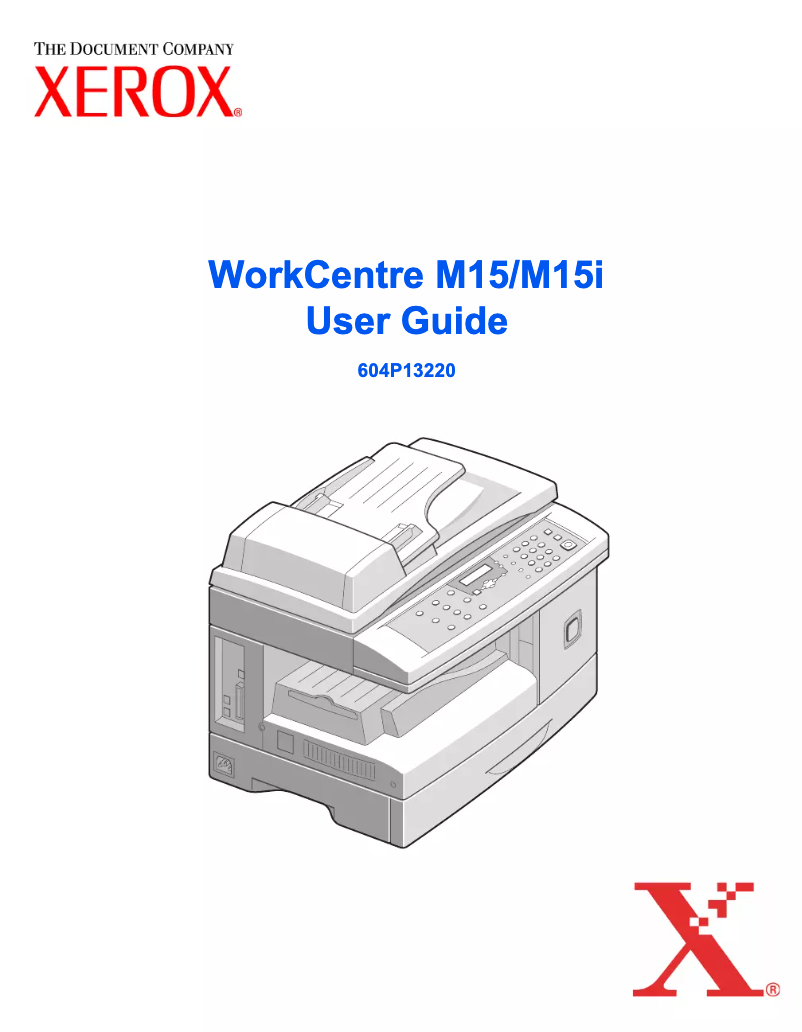
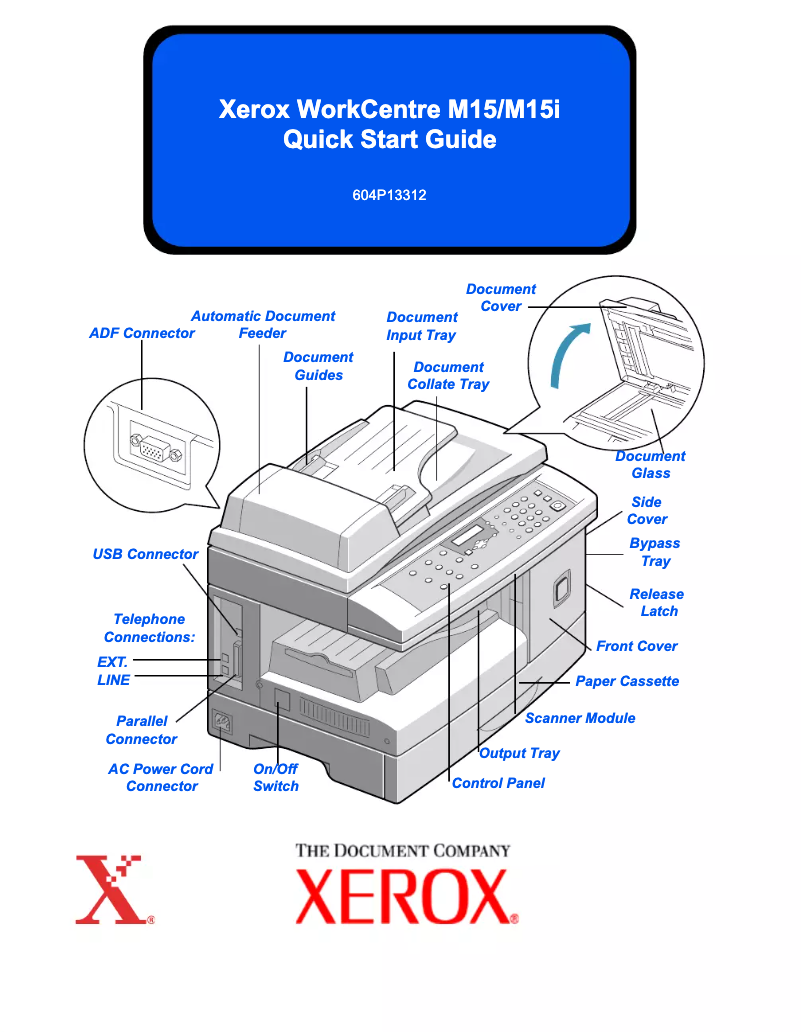
Ease of use is a strong point, thanks to a quick start guide and a well-designed manual, allowing for effortless installation.
Performance
Print performance is generally good, but the speed may be lower than that of newer models, which can slow down workflow.
Design
The design is compact, but may seem bulky in small workspaces, limiting its integration in some offices.
Value for money
Although print quality is up to par, the high cost of ink and toner cartridges can lead to long-term expenses.
Features
Scanning and copying features are limited compared to other models on the market, which may not suit users with multifunctional needs.
Usability
The user experience is enhanced by the reputation for reliability of the Xerox brand, ensuring lasting performance.
Advantages
Reliability of the Xerox brand.
Intuitive and simple use.
High-quality printing.
Compact design for small spaces.
Printing, copying, and scanning features.
Disadvantages
Print speed lower than recent models.
No wireless connectivity.
Limited scanning and copying functions.
High cost of ink cartridges.
Bulky design for small spaces.
Technical Specifications WorkCentre M15
General Information
-
ModelWORKCENTRE M15
-
Brand
-
Category
-
Type
-
SKU1875925
-
MPN1875925
Frequently Asked Questions
What is the best method to remove paper jammed in the printer?
Why does my printer not recognize the original cartridges?
What are the reasons for poor print quality?
How does a laser printer differ from an inkjet printer?
Why does my inkjet printer leave black streaks on prints?
What does the acronym DPI mean?
Is the manual for the Xerox WorkCentre M15 available in French?
Similar products


More product categories from brand Xerox
Other Xerox
More product types from brand Xerox


Presentation of product WorkCentre M15 specifications from brand Xerox
General Information
The Xerox WorkCentre M15 printer is an iconic model from the Xerox brand, known for its excellence and innovation in the field of printers and office solutions. This model, the WorkCentre M15, is designed to provide reliable performance and an optimized user experience, thus meeting the demands of modern work environments.
Advantages
Among the notable advantages of the Xerox WorkCentre M15, we find:
- Proven reliability: Xerox's reputation for quality ensures durability and consistent performance.
- Ease of use: This model comes with a quick start guide and a user manual, making its installation and daily use easier.
- Optimal performance: Ideal for regular printing, the WorkCentre M15 produces high-quality documents suitable for various needs.
- Compact design: Its small size allows for easy integration into limited workspaces, making it a practical choice for cramped offices.
- Versatility: In addition to its printing functions, the device also offers copying and scanning capabilities, thus increasing its utility in a professional setting.
Disadvantages
However, the Xerox WorkCentre M15 also has some disadvantages:
- Printing speed: The printing speed may be lower than that of newer models, which can slow down workflow in an active office.
- Lack of wireless connectivity: The absence of Wi-Fi limits flexibility, requiring a direct connection to print from mobile or remote devices.
- Limited features: Scanning and copying capabilities are restricted compared to other multifunction devices available on the market.
- Cost of consumables: Ink and toner cartridges can be expensive, increasing expenses for frequent users.
- Bulky design: For some work environments, the size of the printer may seem too imposing, making integration more difficult.
In summary, the Xerox WorkCentre M15 stands out for its reliability and ease of use, while also presenting limitations in terms of speed and connectivity, making it a choice to consider based on the specific needs of each user.


