

Manuals of product DT230i

Editorial note
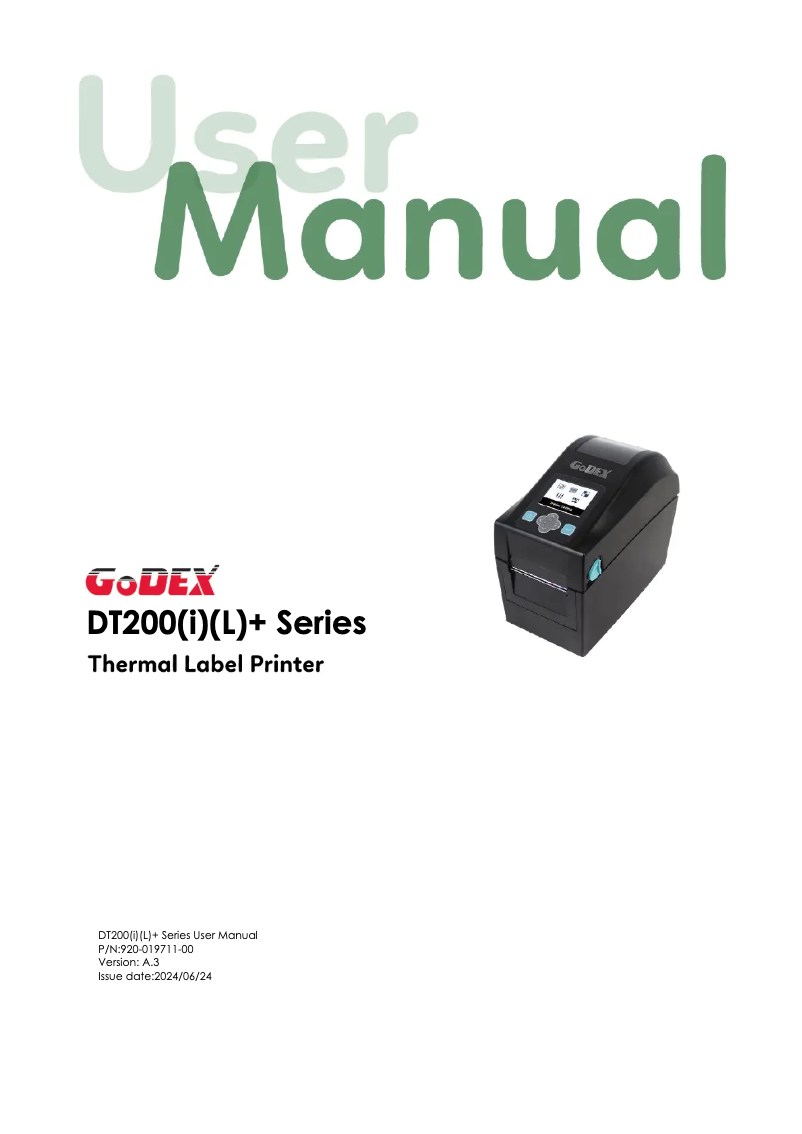
The Godex DT230i is a printer that stands out for its optimal performance, offering high-quality prints, ideal for professional documents. Its robustness and durability are also major assets, with the Godex brand being recognized for the sturdiness of its products. Additionally, the printer comes with a user manual and a brochure, making it easier to set up and use, even for less experienced users. However, some drawbacks must be taken into account. The price of the Godex DT230i may seem high for an entry-level model, which could deter budget-conscious users. Furthermore, its size can be cumbersome, making installation difficult in tight workspaces. Although it incorporates modern technologies, the lack of advanced features such as wireless printing limits its flexibility. The user interface is not always intuitive, leading to a possible learning curve for novices. Finally, the noise level during printing is higher than that of some other models, which can be disruptive in quiet environments. In summary, the Godex DT230i is a high-performing and durable printer, but its cost, size, and certain functional shortcomings may deter some users.Score details
User experience
The user experience is generally satisfactory thanks to the availability of a manual and a brochure, but the interface can be confusing for beginners.
Performance
The Godex DT230i offers optimal performance with high-quality prints, ideal for professional documents.
Value for money
The price of the printer may be high for an entry-level model, which could limit its appeal to some users.
Robustness
Durability is a strong point of the Godex DT230i, as the brand is known for the sturdiness of its products.
Features
Although the model incorporates modern technologies, it lacks some advanced features such as wireless printing.
noise_level
The noise level during printing is higher than that of other models, which can be disruptive in quiet environments.
Advantages
High-quality prints
Ease of use for everyone
Guaranteed robustness and durability
Modern and efficient technology
Technical support available
Disadvantages
High cost for an entry-level printer
Bulky size for small workspaces
Lack of advanced features, such as wireless
User interface not intuitive for some
Noise level higher than other models
Technical Specifications DT230i
General Information
-
ModelDT230I
-
Brand
-
Category
-
Type
-
SKU1569611
-
MPN1569611
Frequently Asked Questions
What is the best method to remove a jammed paper from the printer?
Why is my printer refusing to accept original cartridges?
Why is the quality of my prints poor?
How does a laser printer differ from an inkjet printer?
Why does my inkjet printer leave black streaks on prints?
What does the acronym DPI mean?
Is the manual for the Godex DT230i available in French?
Similar products


More product categories from brand Godex


Presentation of product DT230i specifications from brand Godex
General Information
The Godex DT230i printer, manufactured by the Godex brand, is renowned for its quality and innovation in the home appliance sector. This model, designated by the reference DT230i, is designed to deliver exceptional printing performance, ensuring clear and professional results with every use.
Advantages
The Godex DT230i stands out for several strengths:
- Optimal performance: It delivers high-quality prints, ideal for documents requiring precision and clarity.
- Ease of use: With an included manual and support brochure, setting up and using the printer is accessible to everyone.
- Durability and reliability: The sturdiness of Godex products ensures longevity, allowing for trouble-free use over the long term.
- Innovation: Incorporating modern technologies, the DT230i optimizes printing efficiency and speed.
- Technical support: The presence of support documents helps users easily resolve any potential issues.
Disadvantages
However, this model also has some drawbacks:
- Cost: The Godex DT230i may be considered relatively expensive compared to entry-level printers, which can be a barrier for limited budgets.
- Size: Its bulkiness can pose installation challenges in restricted workspaces.
- Limited features: The lack of advanced options, such as wireless printing, may restrict usage flexibility.
- User interface: Its interface may not be intuitive for users unfamiliar with printers, leading to a learning curve.
- Noise level: The noise generated during printing may be higher than that of other models, which can be disruptive in quiet environments.


